



Windows desktop — Real browser capture
Capture websites. Keep them yours.
A Windows app that captures modern sites with a real browser and turns them into browsable local copies on your PC.
Free trial included — No credit card — Content stays on your PC
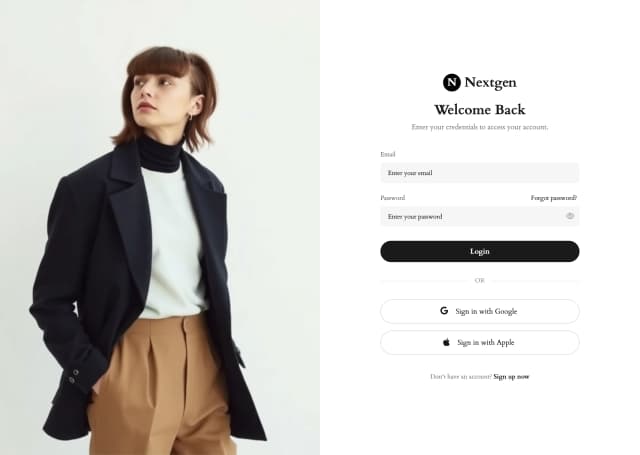
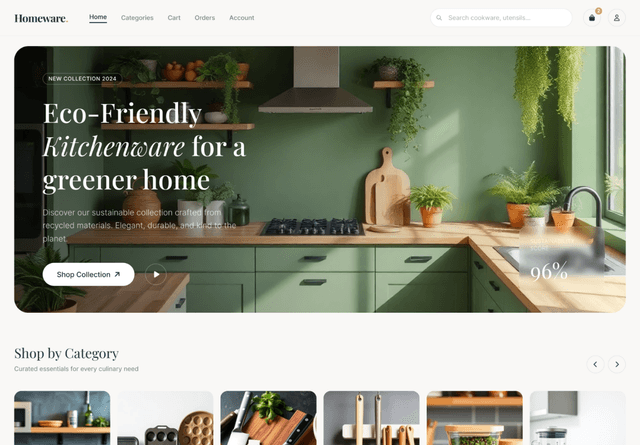
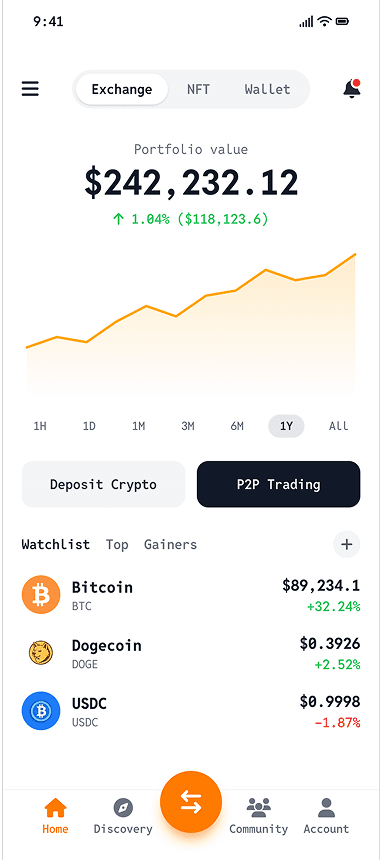

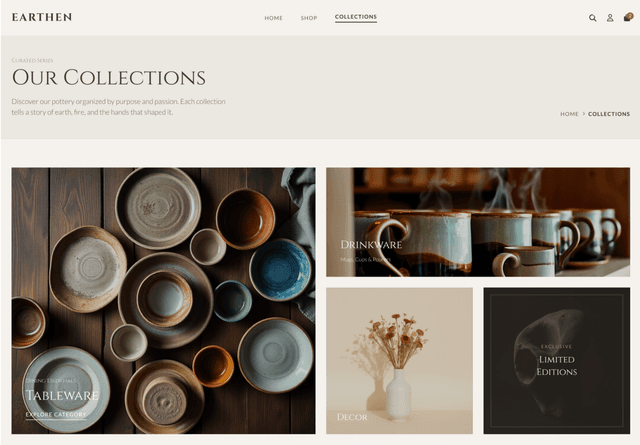
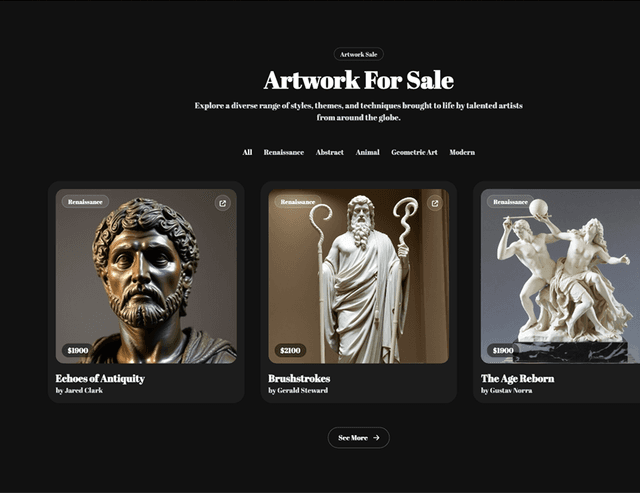
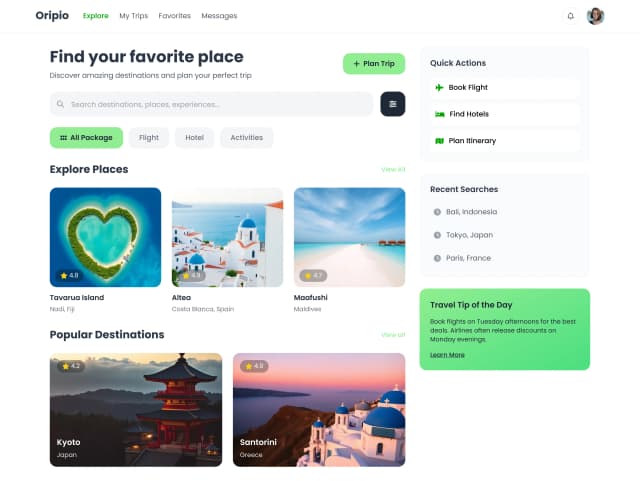
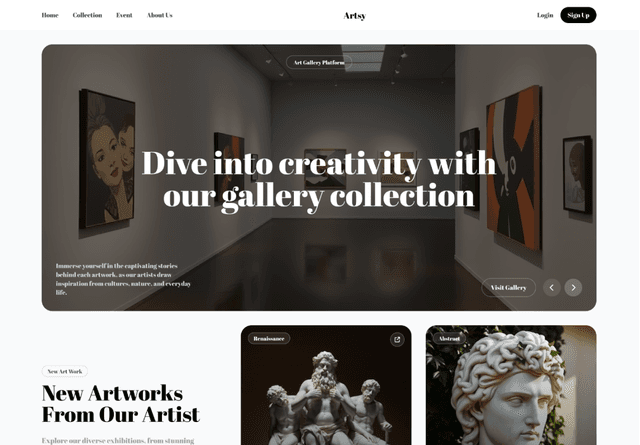
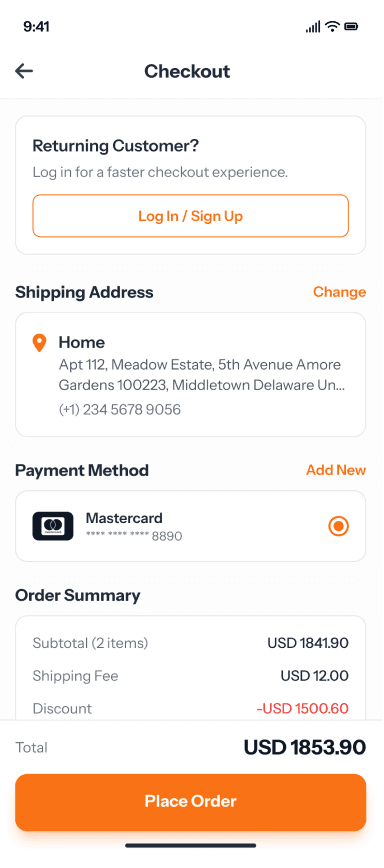

From URL to local copy in minutes.
Discover pages automatically. Capture rendered content and assets. Browse your captured website offline.
// Real browser capture
// Real browser capture
Capture after modern content has rendered — not just raw HTML. Built for today's JavaScript websites.
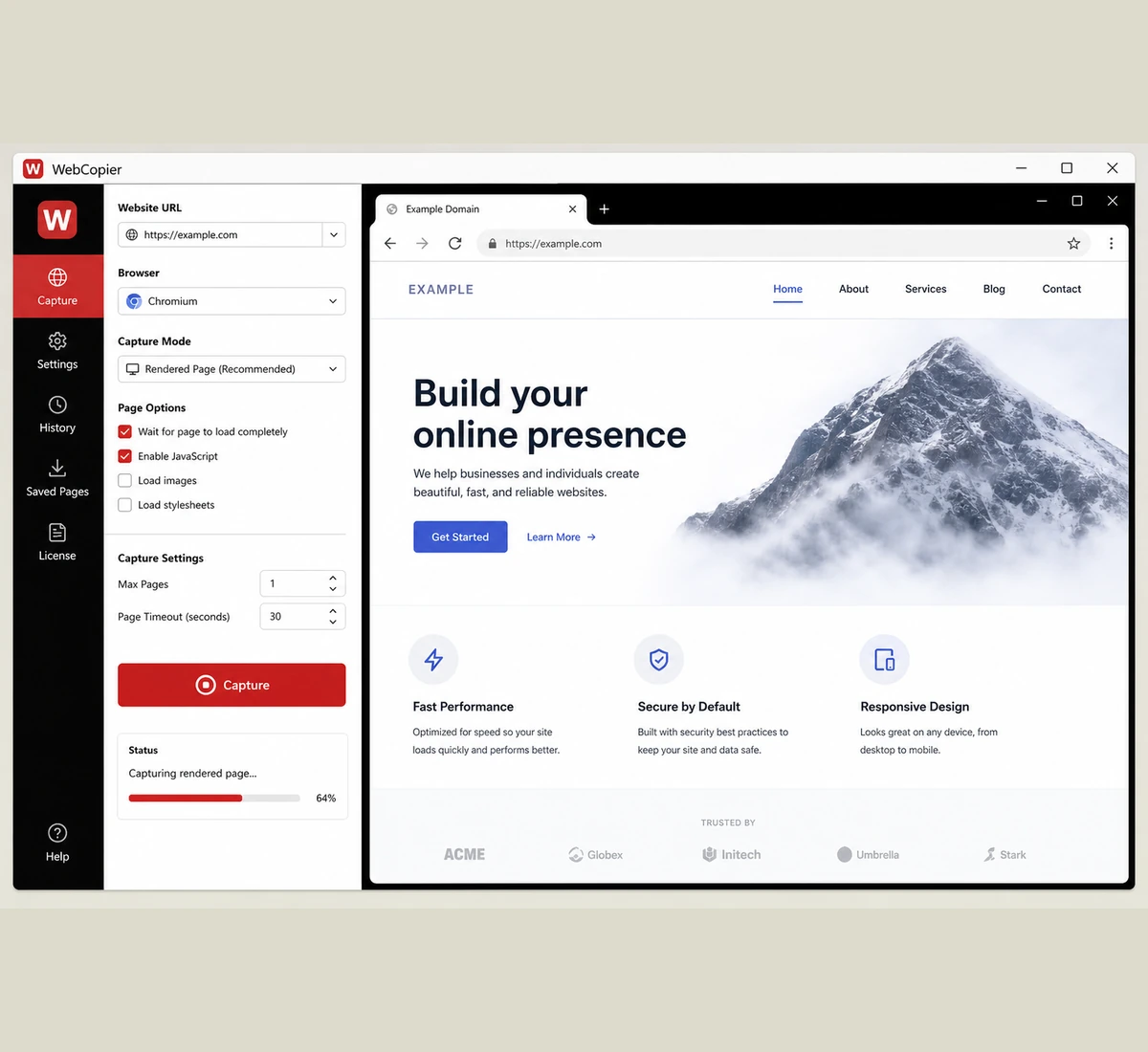
Capture after modern content has rendered — not just raw HTML. Built for today's JavaScript websites.
// Automatic discovery
// Automatic discovery
Follows internal links and sitemaps without entering pages one by one. Set your page limit in the app up to your plan max.
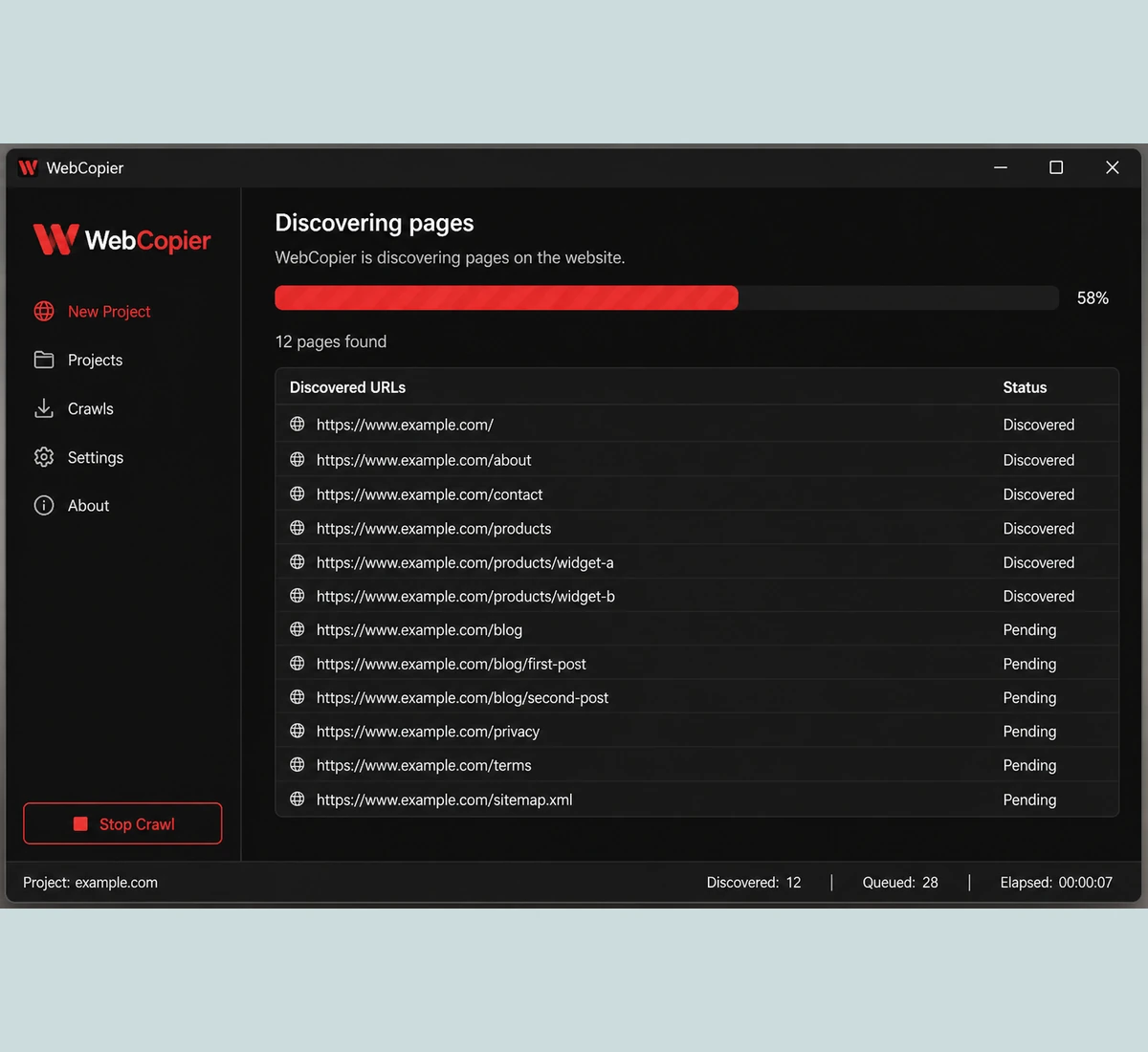
Follows internal links and sitemaps without entering pages one by one. Set your page limit in the app up to your plan max.
// Local project files
// Local project files
Keep organized copies on disk, ready to open anytime — preview in WebCopier or Chrome / Edge.
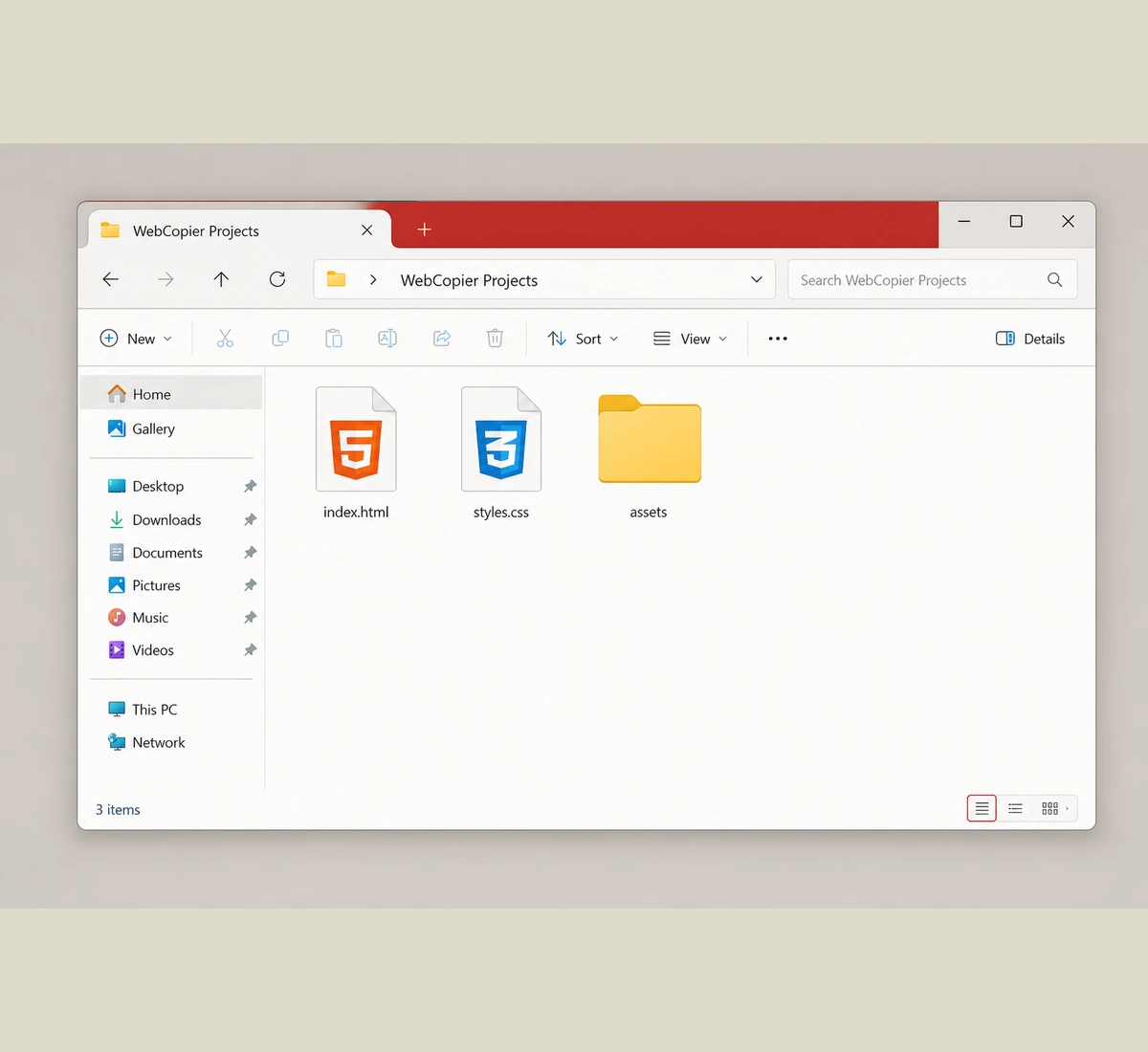
Keep organized copies on disk, ready to open anytime — preview in WebCopier or Chrome / Edge.
// Capture reports
// Capture reports
See what saved, what failed, and what needs attention after every capture.
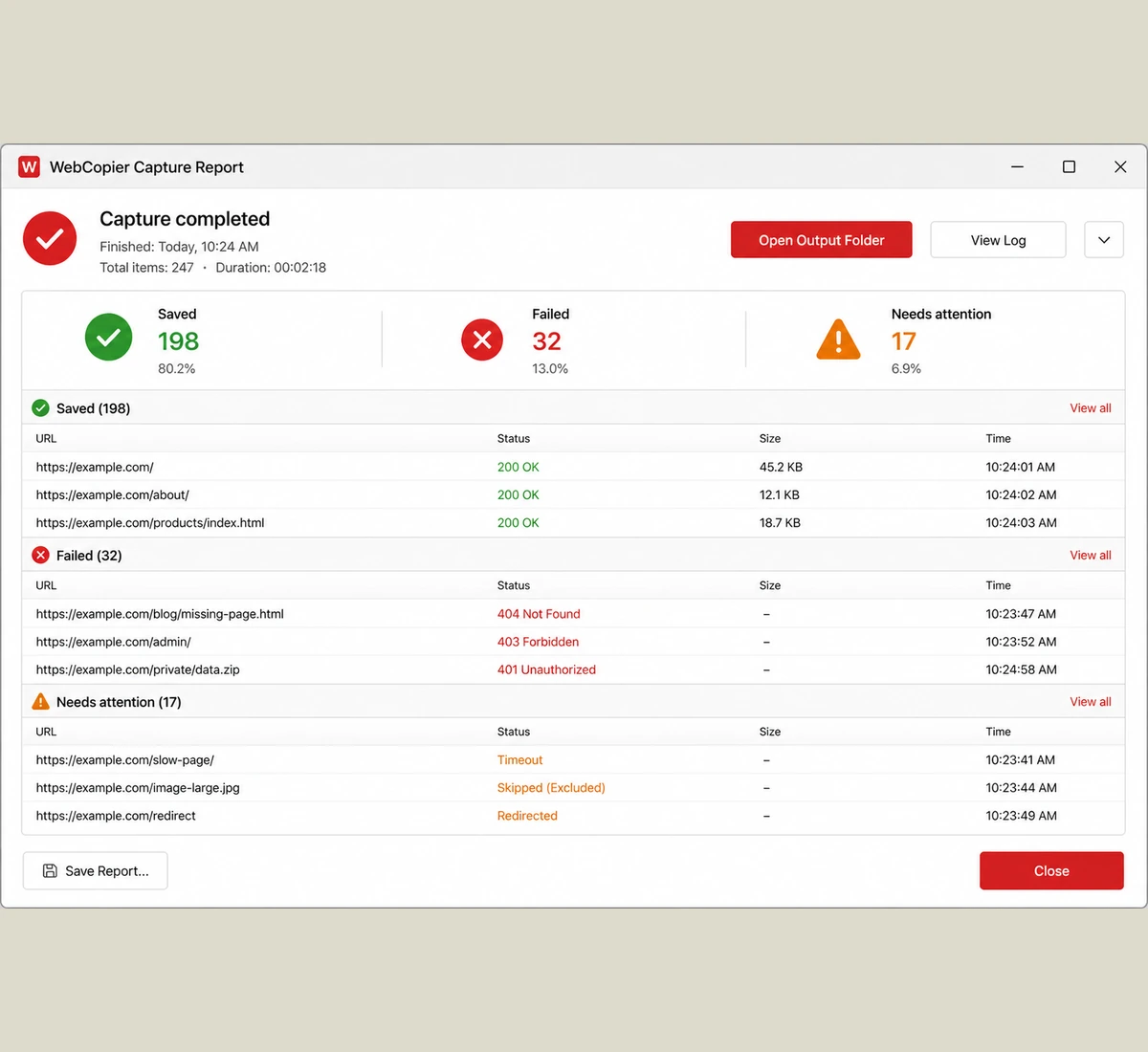
See what saved, what failed, and what needs attention after every capture.

removed-name,
Lead Frontend Architect"WebCopier is a Windows desktop app that renders a public site in a real browser, then saves a local project you can open on your PC. It does not clone backends or invent missing APIs."
Your website stays on your PC.
Captures run on your computer. Pages, assets, and projects are local — not uploaded to our servers.
Win
Windows 10 and 11
Local
Projects stay on your PC
1 pg
Free one-page trial
API
License checks use the WebCopier API
How WebCopier works
Paste ? Discover ? Capture ? Browse
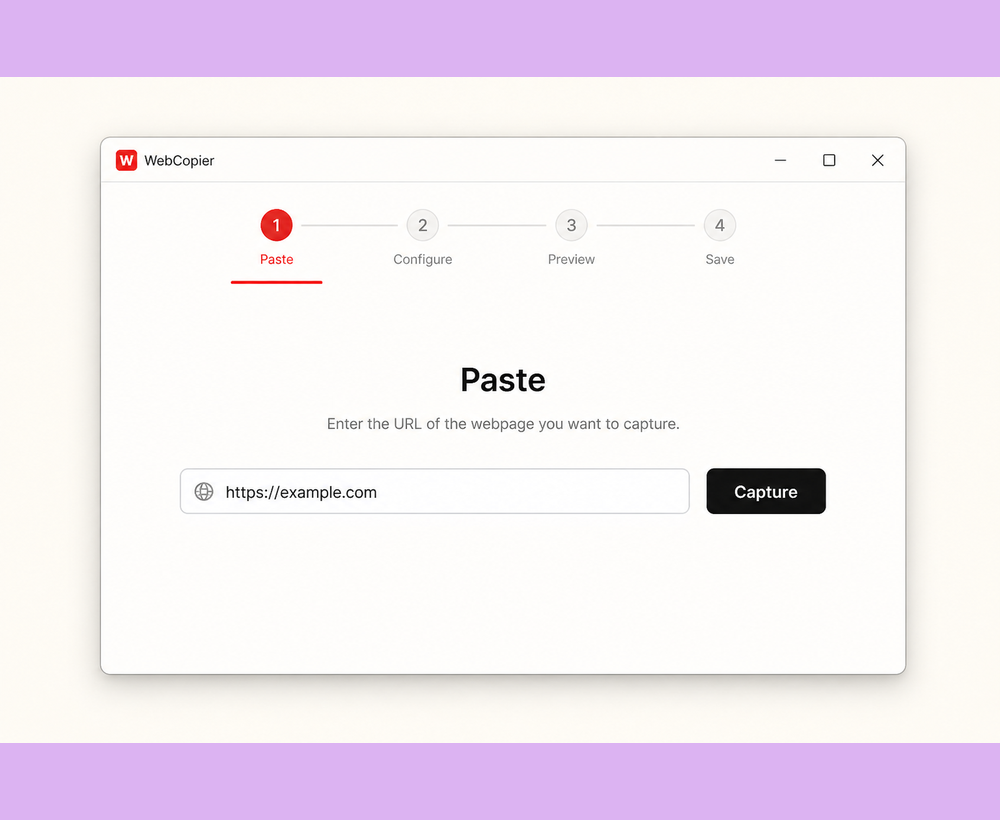
Paste
Enter a website URL in the Windows app.
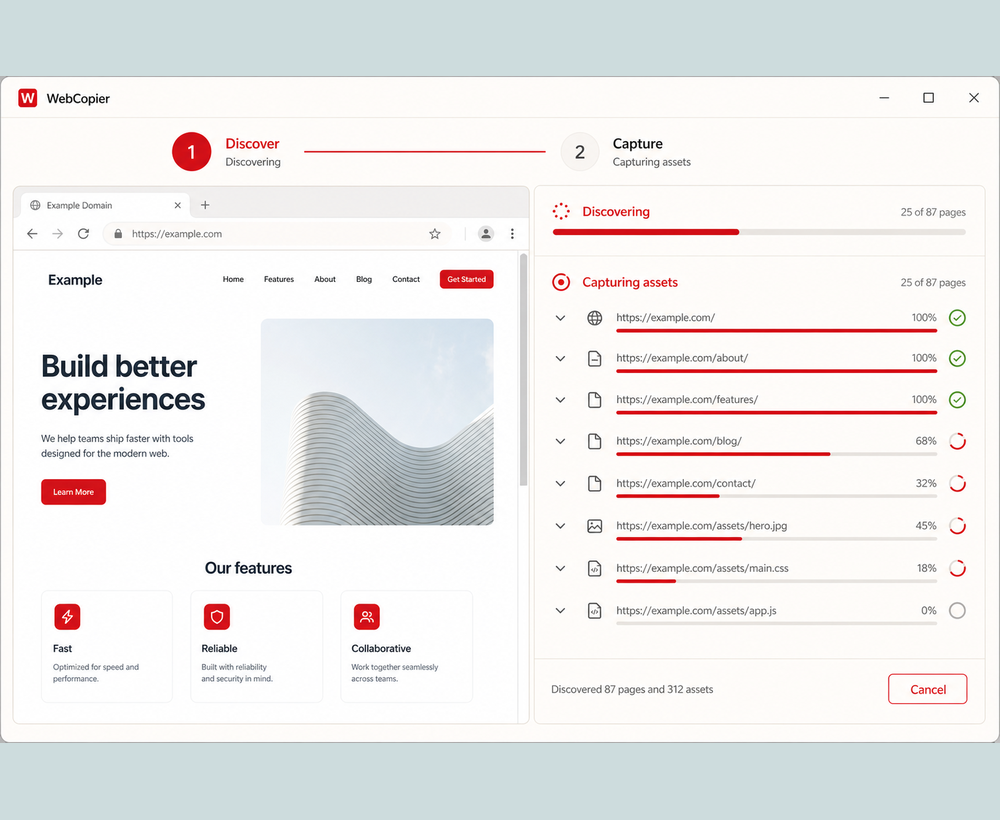
Discover & Capture
Pages and resources are found automatically. A real browser renders, then saves what you need.
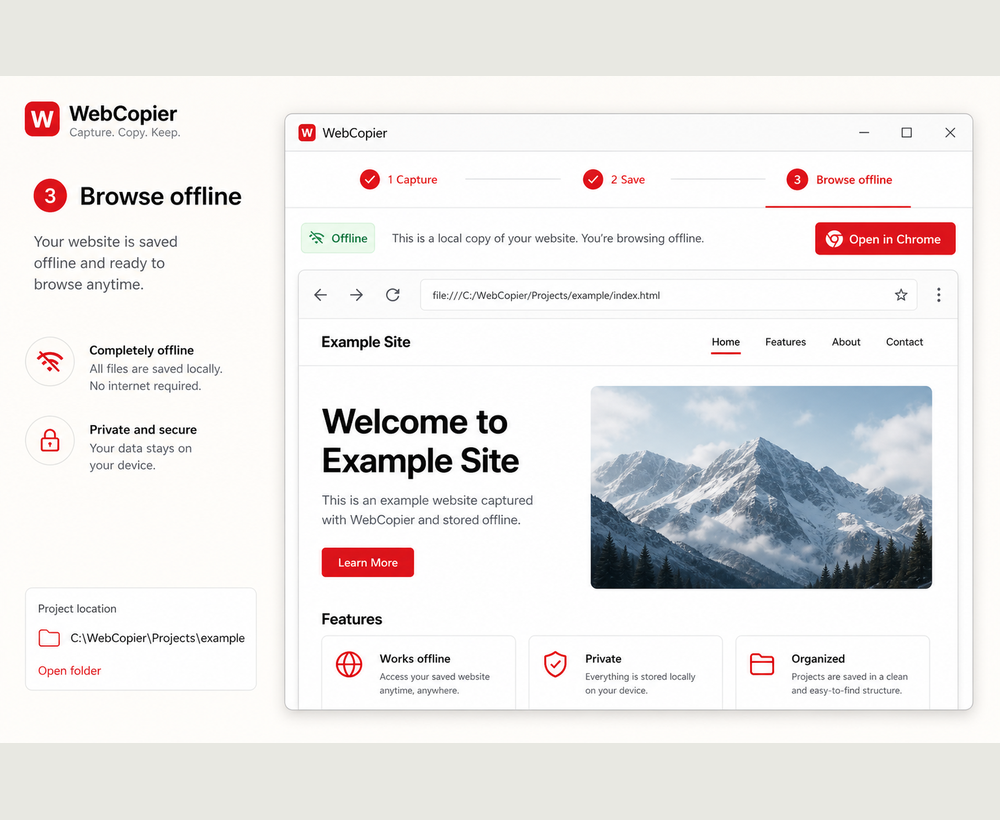
Browse
Open the local project and use it offline — in WebCopier or Chrome / Edge.
Browse offline
Open the local project and use it without depending on the live site.
Private by design
Captures run on your computer. License checks use account and capture metadata only — site content is not uploaded.
Windows desktop
A focused native app — not another browser tab or online ZIP form.
 Clone a website now
// FAQ
Questions, answered.
What is WebCopier?
A Windows desktop app that captures modern websites into a local copy you can browse and keep on your PC.
How does it work?
Paste a URL. WebCopier discovers pages, opens a real browser, captures rendered content and resources, and builds a local project.
Can I browse offline?
Yes. After capture, browse from your PC without depending on the live site.
Where is data stored?
Locally on your Windows PC. Website content is not uploaded. License checks use account and capture metadata only.
Is there a free version?
Yes. Capture one page free to try the full workflow before upgrading.
How many pages can I capture?
Free: 1 full page. Starter: 2 complete sites (up to 100 pages each). Pack: 6 sites (up to 300 pages each). Pro: 15 sites/mo (up to 1,000 pages each). Yearly Pro: 200 sites/year. Business: 50 sites/mo (up to 2,500 pages each with Fair Use).
// ARCHIVING SOLUTIONS & GUIDES
Built for Modern Web Standards
Learn how WebCopier solves the hardest challenges in website downloading, JavaScript rendering, and offline archiving.
HTTrack Alternative for 2026
Why traditional crawlers fail on modern JavaScript, and how WebCopier’s browser capture can save a rendered frontend when scripts run.
Compare WebCopier vs HTTrack WINDOWS TOOLCyotek WebCopy Alternative
Comparing raw regex HTML parsing vs. real Chromium headless DOM rendering for Windows 10 and 11.
Compare Cyotek vs WebCopier WINDOWS PLATFORMSiteSucker for Windows
SiteSucker is macOS only. WebCopier is the dedicated Windows desktop alternative for modern offline web archiving.
Explore Windows Features DEVELOPER GUIDEWget vs. WebCopier (2026)
Why wget --mirror returns blank HTML shells on dynamic sites and how browser automation provides the solution.
Read Developer Comparison FRAMEWORK GUIDEClone React & Next.js Sites
Master the architecture of capturing Next.js, Vue, Tailwind, and dynamic client-side applications for offline inspection.
Read React Guide DESIGN & UIDownload Webflow & Framer
Capture complex CSS animations, GSAP interactions, and vector graphics into self-contained offline projects.
Read Design Archiving GuideYour next website is one capture away.
Download WebCopier, run your first capture free, and keep a browsable copy on your PC.
Try the free website clonerFree to start No credit card No design skills required
