Offline copy
Save a Website Offline on Windows
Keep a local copy of a website on your PC so you can browse it later — on a plane, on a locked network, or after the live site changes.
Save a Website OfflineSee plansRead the docs
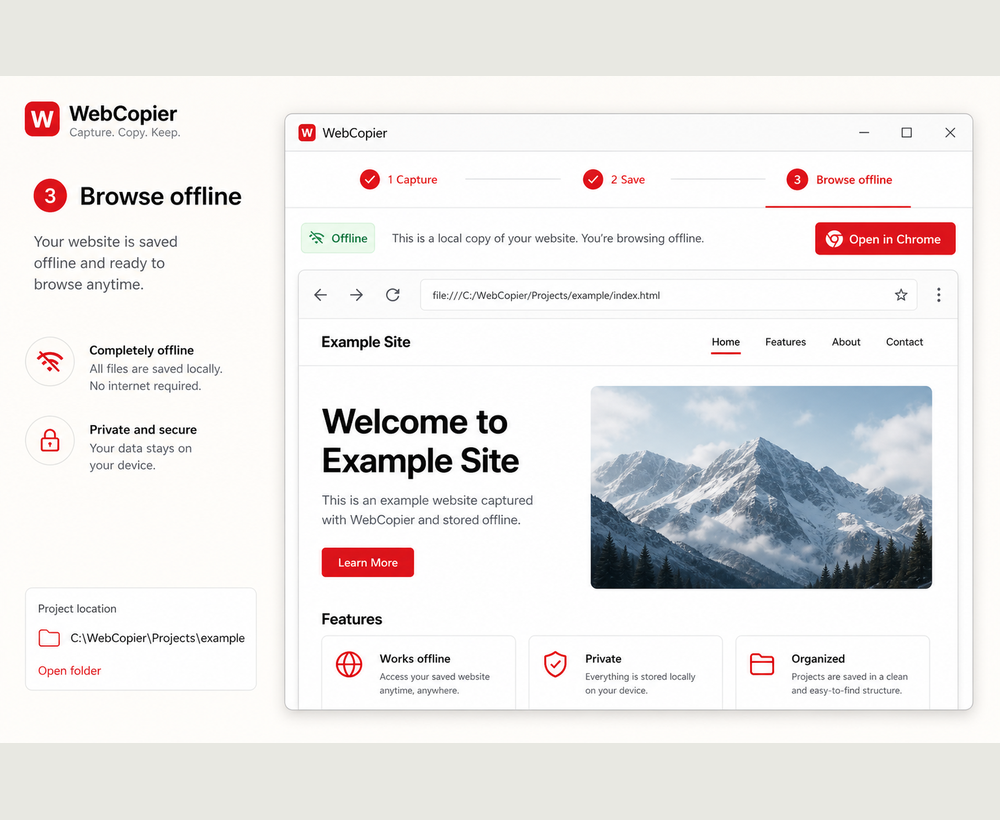
Save a website to your computer. Use it later without relying on the live host. Keep a copy before a redesign. That is it: a local website you can open on the PC.
Save it once, open it later
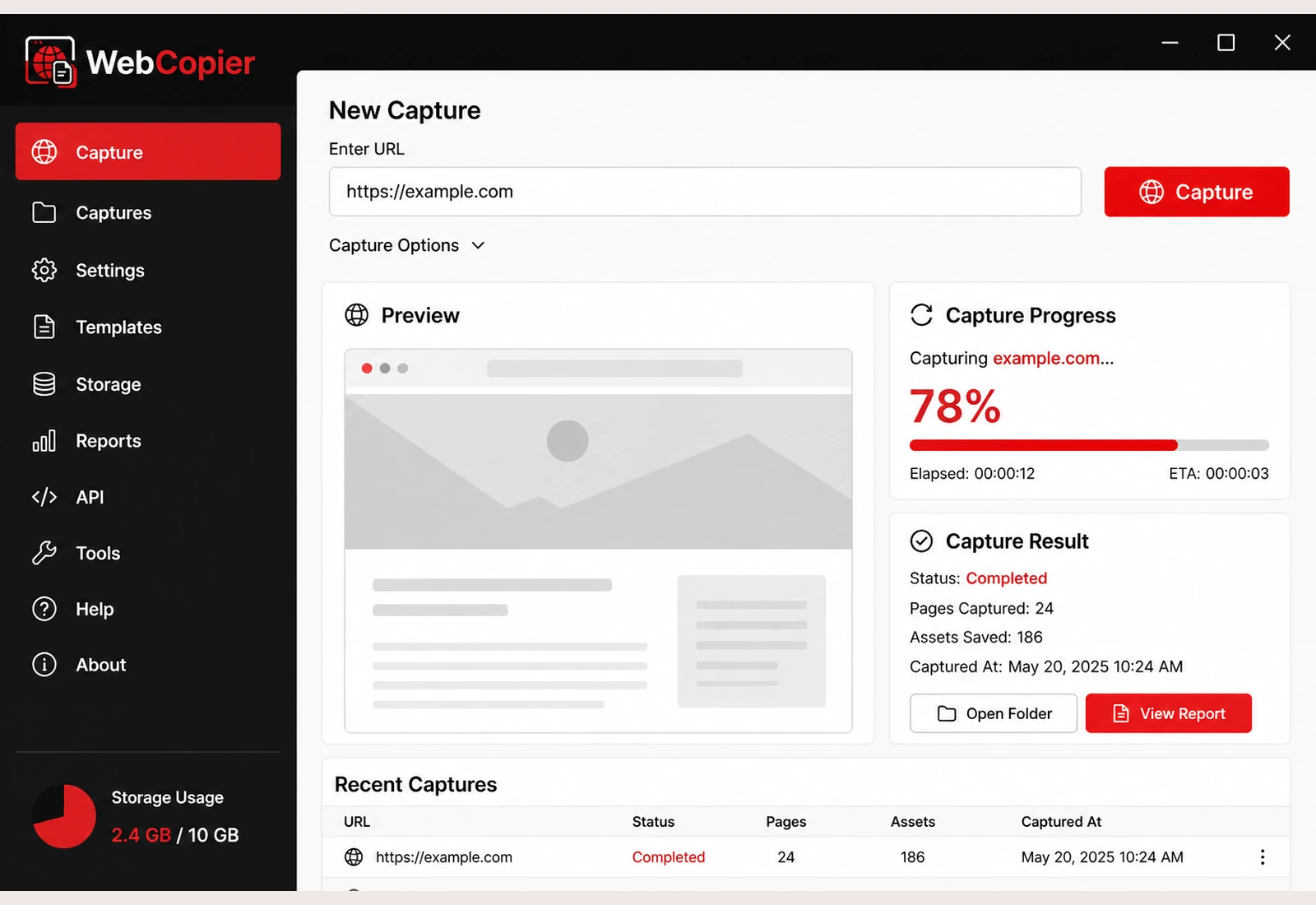
- Save while you are online Paste the URL and let WebCopier write the pages to disk.
- Keep the project on the PC The copy lives in a WebCopier folder on Windows.
- Browse without the live site Open the saved pages even if the original host is down or you are offline.
Useful when
- You want to browse later without internet
- You need a website archive of a public design or campaign
- A teammate needs a copy they can open on Windows
- You will be on a plane or a locked-down network
Need the numbered walkthrough? How to download an entire website on Windows. Storage details: where projects are stored.
FAQ
Can I save a website and browse it without internet?
Yes. Capture the site while you are online, then open the local WebCopier project later. Saved pages and files open from your PC.
Is this a website archive?
It is a practical local archive of the public site you captured — a copy you can preserve and reopen — not a library WARC pipeline.
Save a website offline
Save the site once, then browse the local copy on your PC.