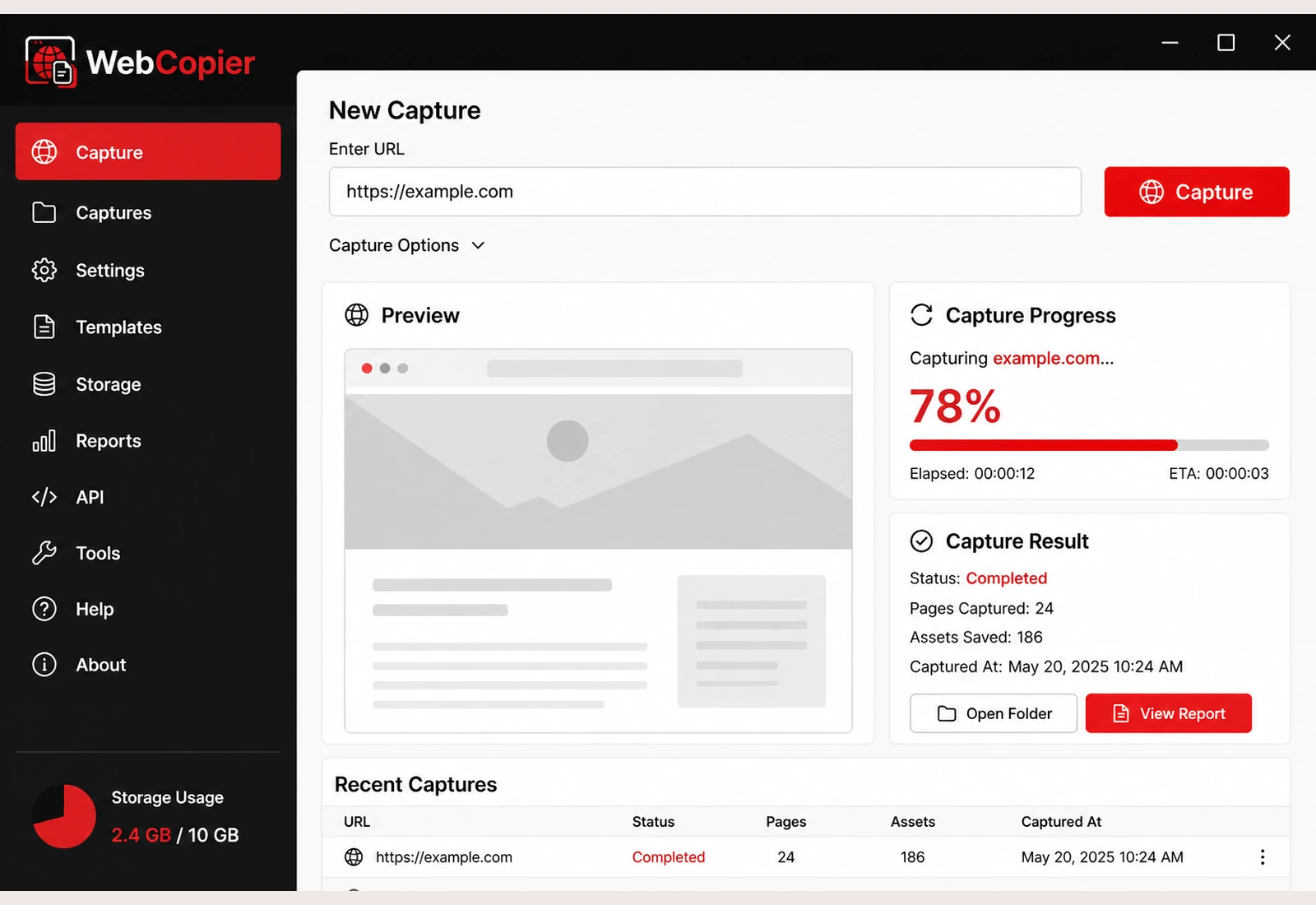
Should you choose WebCopier?
If you are on Windows and you want a usable local copy of a site you can already open in Chrome or Edge, start with WebCopier. Open a comparison below only if you already have another tool in mind.
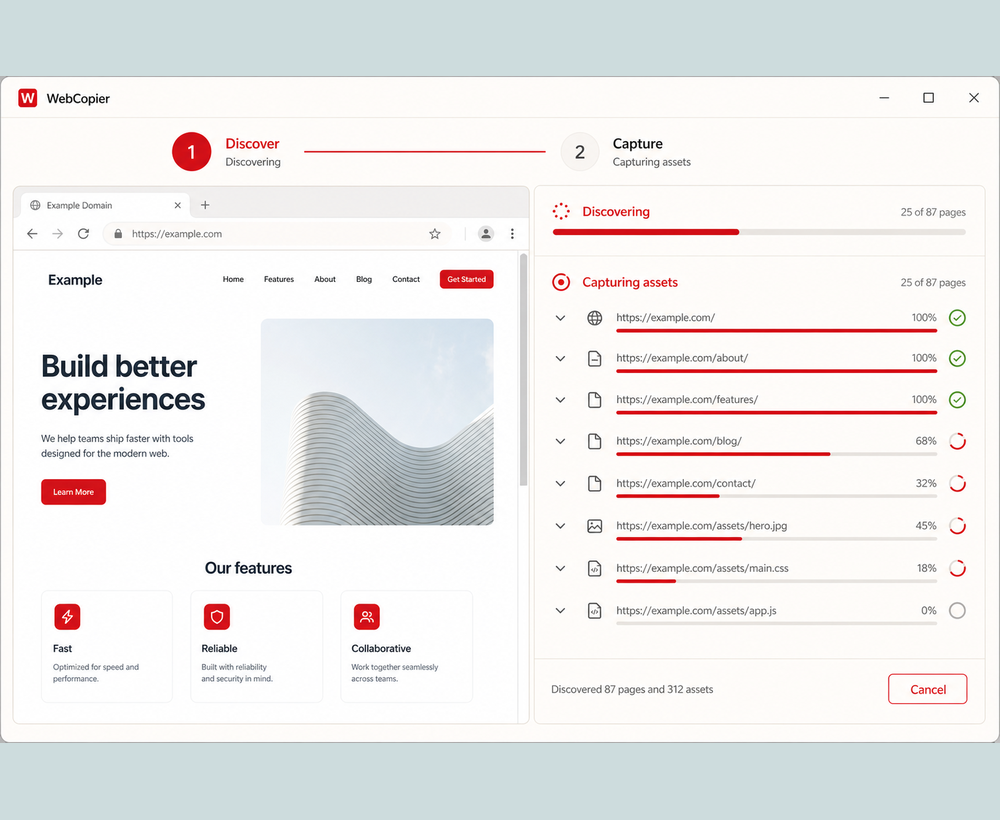
WebCopier vs HTTrackHTTrack alternative on Windows
WebCopier vs Cyotek WebCopyBrowser copy vs HTTP crawl
WebCopier vs wgetDesktop app vs command line
WebCopier vs SiteSuckerWindows copier vs a Mac app
The short version
WebCopier is for people who want to copy or download a modern website to a PC and browse the result later. The other tools still matter. HTTrack is free, open source, and excellent at classic file mirroring. Cyotek WebCopy is a free Windows crawler with rules. wget is the command-line downloader people already trust in scripts. SiteSucker is a Mac copier. None of that changes the recommendation for WebCopier’s job.
Copy a website to your PC
Download WebCopier and turn a live site into a local Windows project.