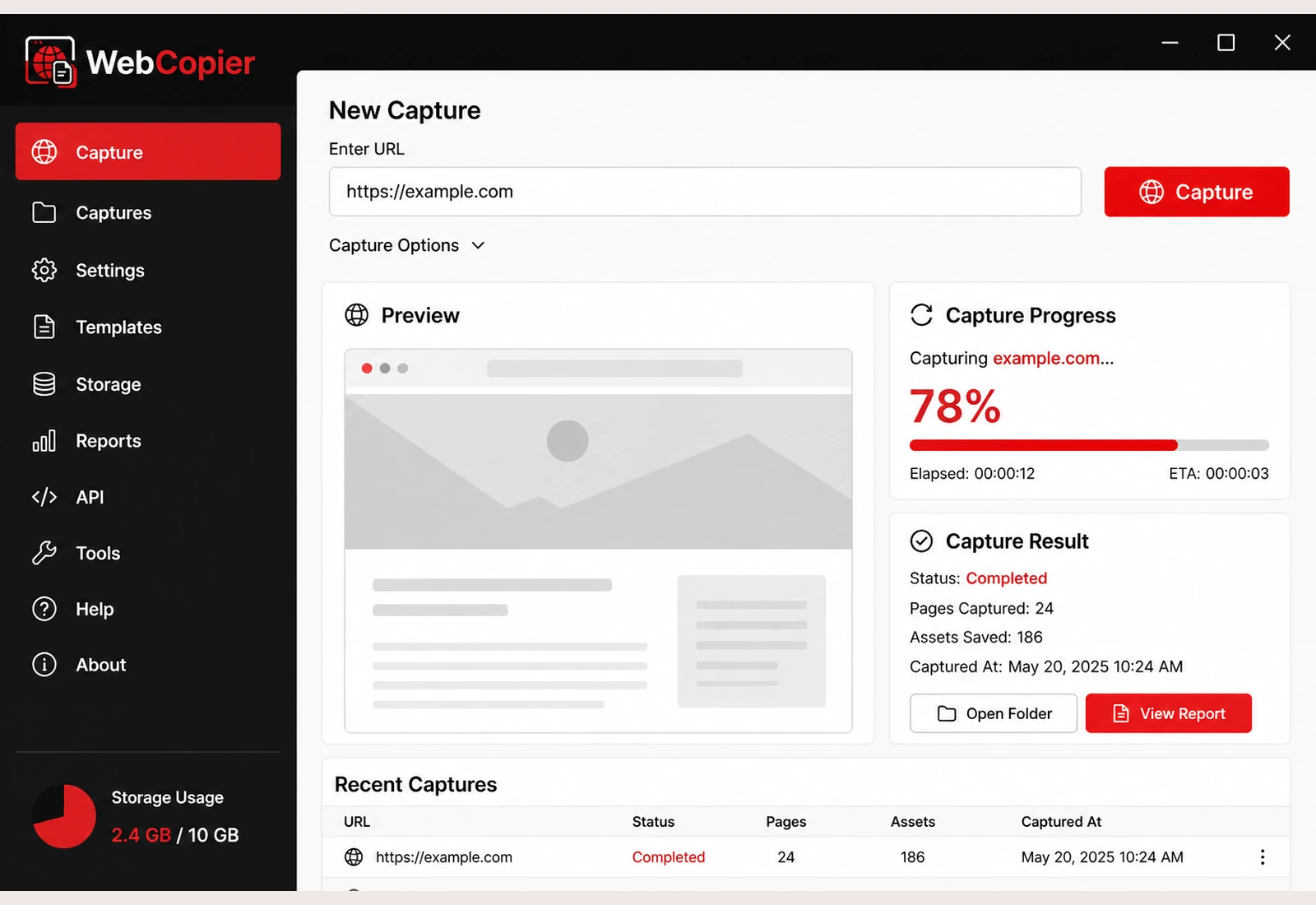
Website copier
How to Copy a Website to Your Computer
You get a usable local copy of the website on your Windows PC. WebCopier opens the site in a real browser, then saves the pages and files into a project you can reopen later.
Copy a Website to Your PCSee plansRead the docs
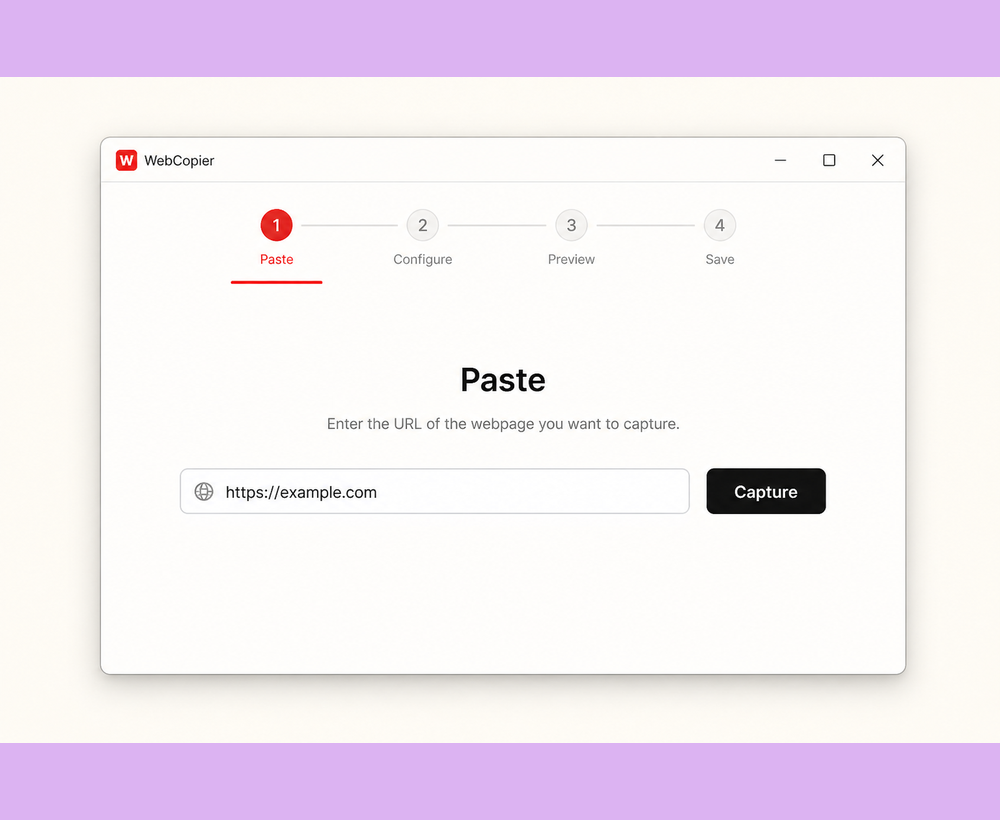
Copy a website to your computer. Copy a whole site, keep it locally, and browse it on the PC without depending on the live host. That is the job. WebCopier is the Windows app that does it.
Copy the site, then keep it on the PC
- Paste the URL Use the same address you can already open in a browser.
- Let WebCopier browse it The app opens a real browser, follows pages, and copies what loads.
- Save the local project Pages, styling, images, fonts, and client scripts land on your PC.
- Open the copy Browse the saved site from the WebCopier project on Windows.
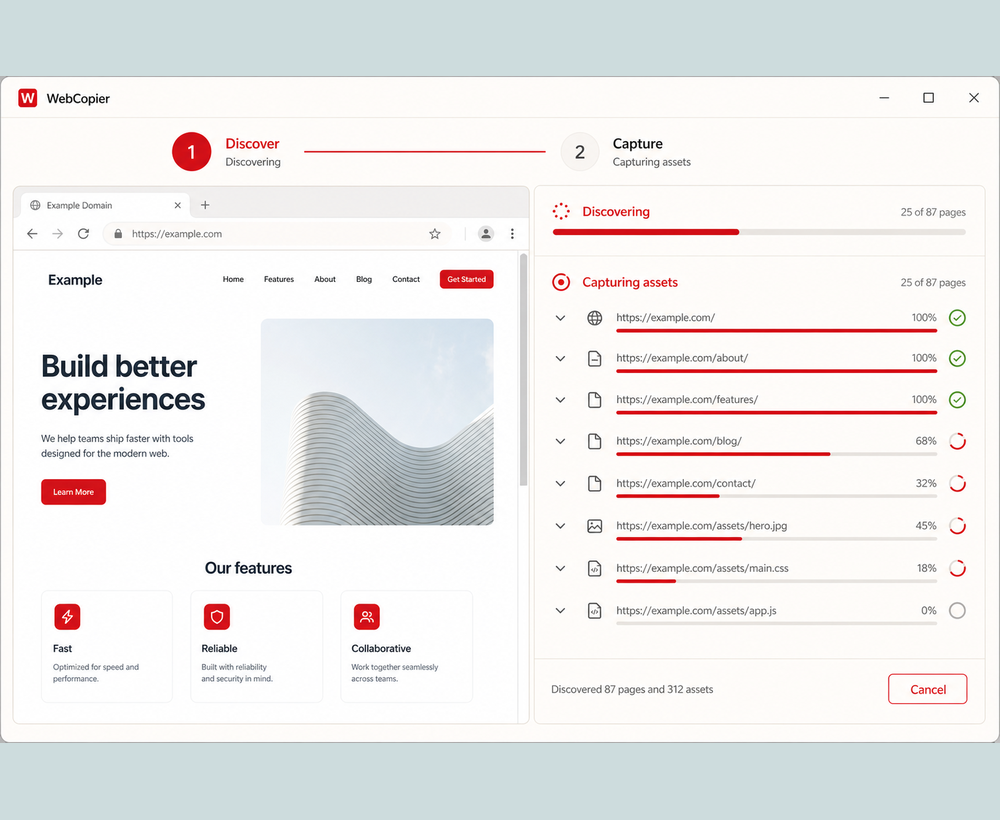
Why a real browser matters after the result
Older website copier software often downloads raw files. That is fine on simple HTML sites. On today’s pages the layout is built in the browser. WebCopier copies after that work is done, so a whole modern site can land on your PC as a local copy instead of an empty shell.
What you keep
- The pages WebCopier found and saved
- CSS, images, fonts, and scripts those pages used
- A local project you can reopen on Windows
- A report of what was saved
Looking at other tools? Start with WebCopier vs HTTrack. Also see Cyotek WebCopy, wget, and SiteSucker.
More detail
Page caps and live services are in the docs. Numbered Windows steps: how to download an entire website.
FAQ
How do I copy a website to my computer?
Install WebCopier on Windows, paste the URL, start capture, then open the local project. WebCopier copies the site the way it looks in a browser — pages, styling, and the files those pages loaded.
Can I copy a whole website?
WebCopier discovers pages from links and sitemaps and captures them within your plan. A local copy is the public site you can open in a browser, saved onto your PC.
Can it copy a modern JavaScript website?
Yes. WebCopier opens the site in a real browser so JavaScript can run before the copy is saved. That is how it copies React, Next.js, and other modern frontends that a file-only copier often misses.
Do I need permission?
Yes. You are responsible for having the right to copy the site. A local project does not give you copyright in someone else’s work.
Copy a website to your Windows PC
Download WebCopier, paste a URL, and keep a local copy of the site you can open in a browser.