Website downloader
Download an Entire Website to Your PC
Download a whole website onto your Windows PC: pages, files, and a local project you can open after the live site is gone.
Download a Website with WebCopierSee plansRead the docs
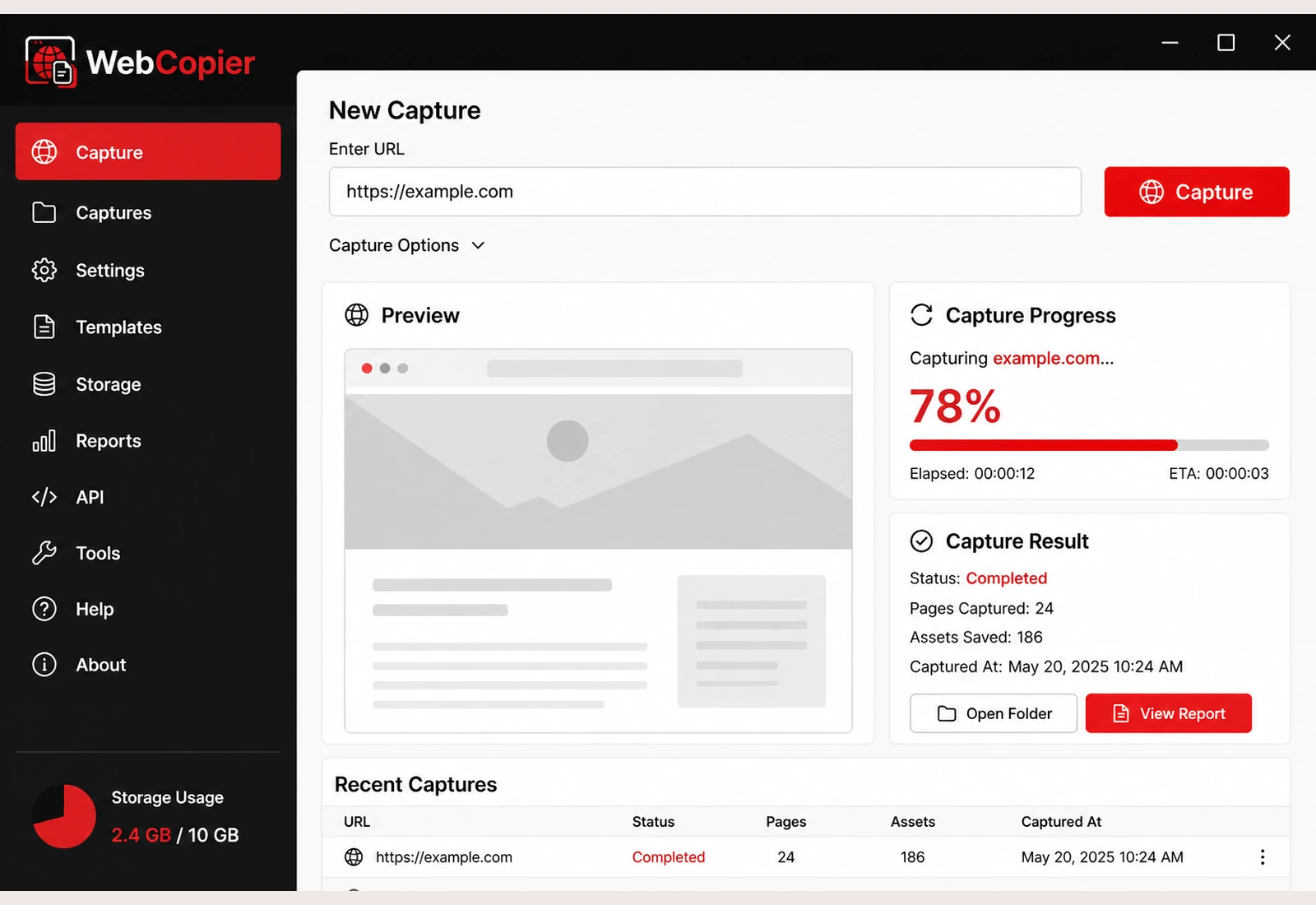
A website downloader is for putting the whole public site on disk: the pages you can reach, the website files, a complete copy on the computer. WebCopier is that tool for Windows.
Download the site in five steps
- Choose the website Open it in Chrome or Edge first so you know it is the public site you want.
- Paste the URL Put the same address into WebCopier.
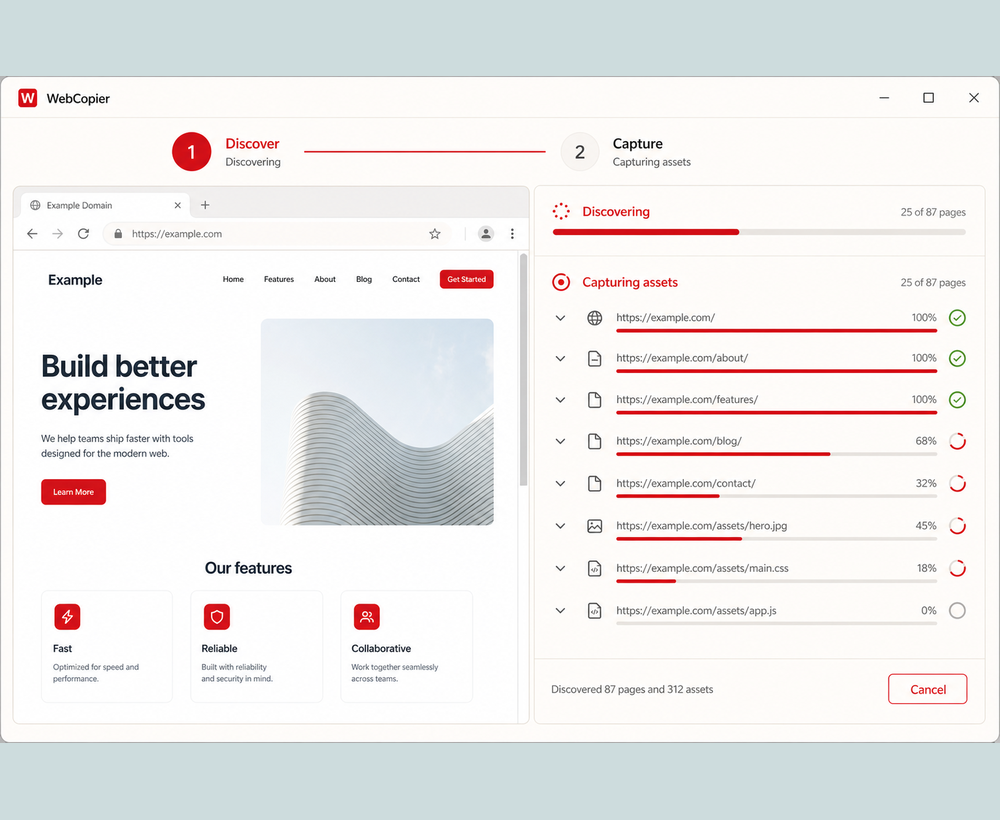
- Start the capture The app opens a real browser so the pages can load the way you see them.
- Let WebCopier discover and save the pages Internal links and sitemaps feed more of the site. Files those pages need are written to your PC.
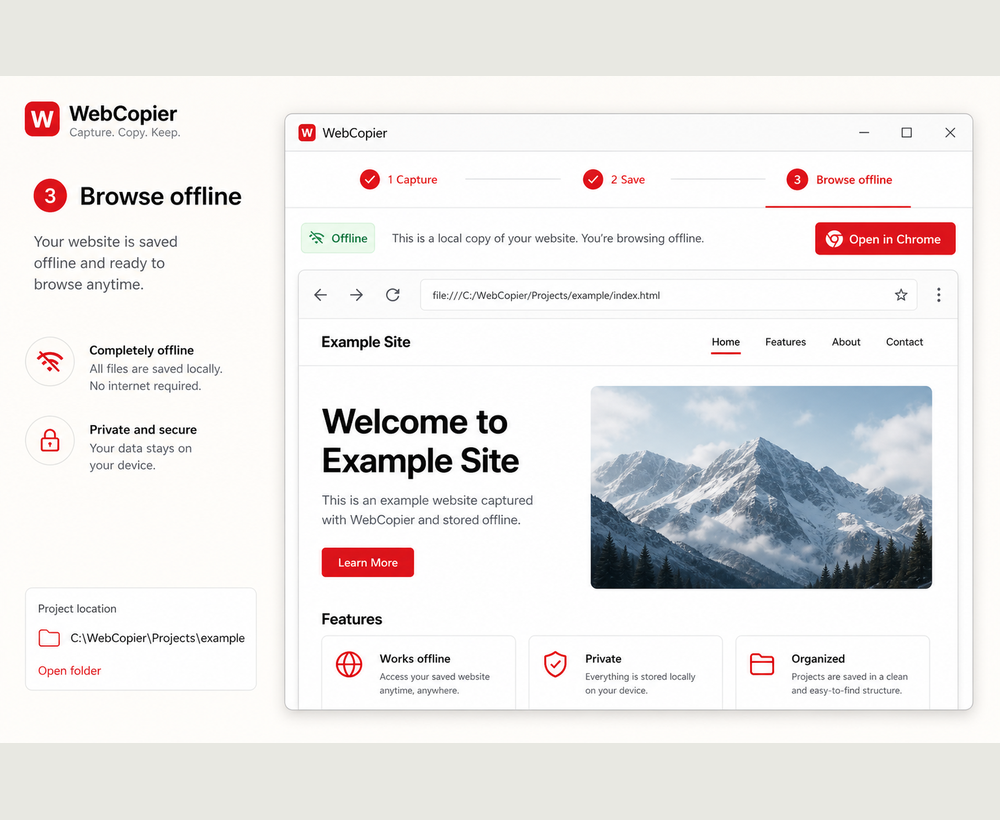
- Open the local project Browse the downloaded website from Windows when you are done.
Download all pages, not just the homepage
WebCopier starts at your URL, follows internal links, and can use sitemaps to find more pages. That is how you download a full website instead of a single file. Page counts follow your plan. Step-by-step: How to download an entire website on Windows.
Save website files locally
Each saved page keeps the CSS, images, fonts, and client JavaScript it needed. You are downloading a website as real files, not a gallery of pictures.
JavaScript sites included
Because a real browser opens the pages, WebCopier can download React, Next.js, Webflow, and other JavaScript sites that look empty in HTTrack or wget. See JavaScript website downloader.
Compared with classic downloaders
wget and HTTrack pull whatever the server returns first. That is enough for many static trees. WebCopier downloads the page after it has loaded in a browser, then stores a Windows project you can open locally.
FAQ
Can I download an entire website?
Yes — WebCopier downloads the public pages it discovers, with their files, into a local Windows project. How many pages you get follows your plan. The free plan downloads one complete page.
Does it download website files — HTML, CSS, images, JavaScript?
Yes. When a page loads styles, images, fonts, or client scripts, WebCopier saves those files into the project so you can open the site from disk.
Can I save a complete website to my PC?
Paste the URL, let WebCopier browse and capture the site, then open the local project. That is how you save a complete public site locally on Windows.
Download a website with WebCopier
Save an entire public website to your PC and open it in a local project.