Windows installer
Download WebCopier for Windows
WebCopier is a Windows 10/11 desktop app that captures websites in a real browser and saves them as local, browsable projects on your PC. This page is the download. Current version: 1.4.1.
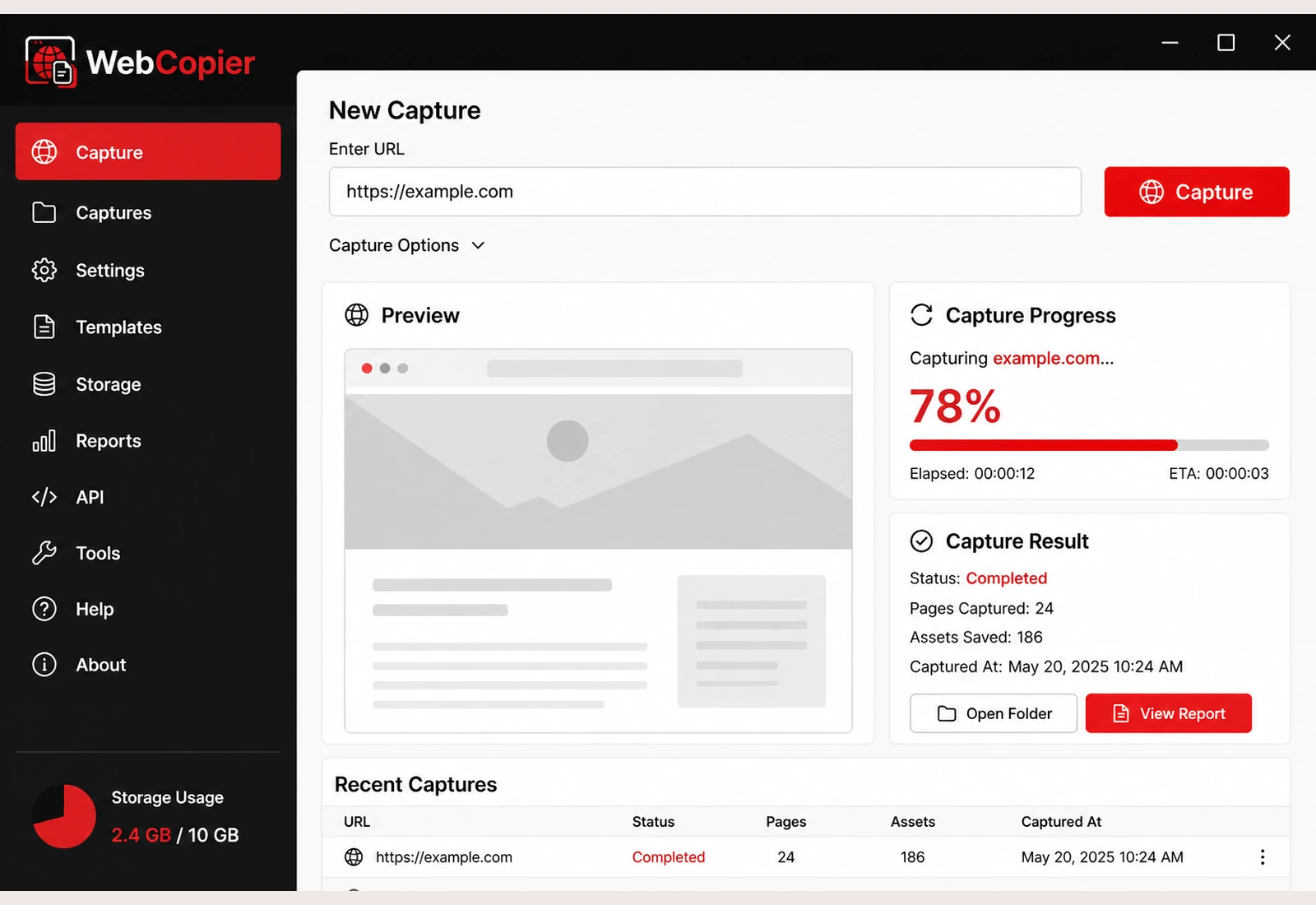
Download WebCopier for Windows Install help
Direct file: WebCopier_1.4.1_x64-setup.exe
System requirements
- Windows 10 (64-bit, 1809+) or Windows 11 (64-bit)
- About 1.2 GB free disk for installer plus app, including bundled Chromium
- 8 GB RAM recommended (4 GB minimum for small sites)
- Internet for the first download and for license sign-in
What gets installed
The setup program installs the WebCopier desktop app and the bundled capture browser. You do not install Python or a separate browser pack to start a capture.
Free trial
Download is free. The free plan captures one complete page. Paid plans unlock more sites and pages. See pricing.
Security note
WebCopier is not Authenticode-signed yet. Microsoft Defender SmartScreen often warns on unsigned installers. That warning is expected until a code-signing certificate is added. Details: install guide.
Current version
1.4.1. Release notes: changelog.
FAQ
What Windows versions are supported?
Windows 10 64-bit (1809 or newer) and Windows 11 64-bit.
Is the installer signed?
Not yet. SmartScreen may show “Windows protected your PC.” Use More info → Run anyway, or read the install guide.
Is there a free trial?
Yes. The free plan captures one page. No credit card is required to download.