SiteSucker is for Mac. WebCopier is for Windows.
If you are on Windows and you want to copy a website to your computer, WebCopier is the product built for that job.
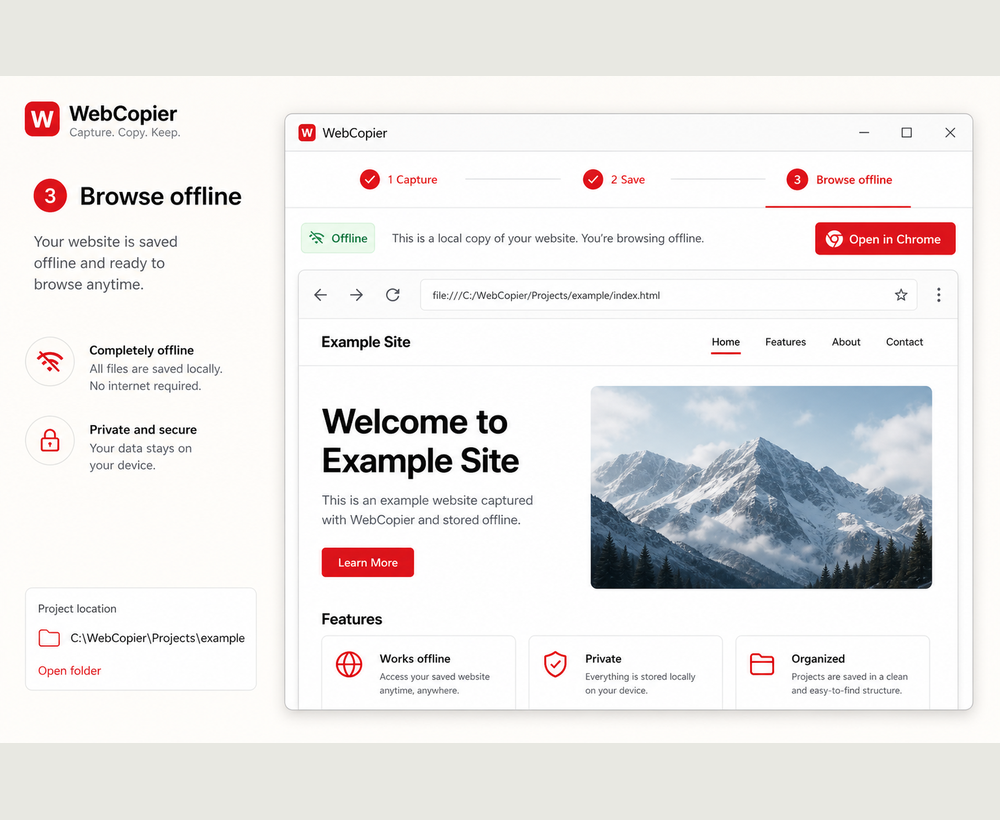
Best choice for a Windows user evaluating a website copier
SiteSucker has no official Windows build. That is the first filter, not the whole story. WebCopier is a Windows 10/11 desktop app that copies a public site into a local project you can browse later.
Why WebCopier
You paste a URL. The app opens the site in a real browser so modern pages can load, then writes pages and files to disk. You get a project and a report, not only a dumped folder, and you stay on Windows the entire time.
How the workflows differ
On a Mac, SiteSucker is a simple “enter a URL and download the site” app. On Windows, WebCopier is the comparable product path: paste, copy, open locally. The intended outcome is the same kind of job — a local website copy — on a different operating system, with a browser-first save for pages that need JavaScript.
| WebCopier | SiteSucker | |
|---|---|---|
| Platform | Windows 10/11 | macOS |
| How you copy | Desktop app, real browser | Mac app, enter a URL |
| Local result | Browsable project plus report | Offline site on the Mac |
Where SiteSucker is genuinely stronger
Mac users who already like SiteSucker should keep it. It is native to Apple’s platforms and has a long vendor history there.
When not to choose WebCopier
If you only work on a Mac and SiteSucker already does the job, you do not need WebCopier.
Recommendation
Windows users who want to copy or download a public website and keep a local copy should use WebCopier. That is the recommendation for this comparison.
Copy a website on Windows
Download WebCopier and save a local project from a site you can open in your browser.
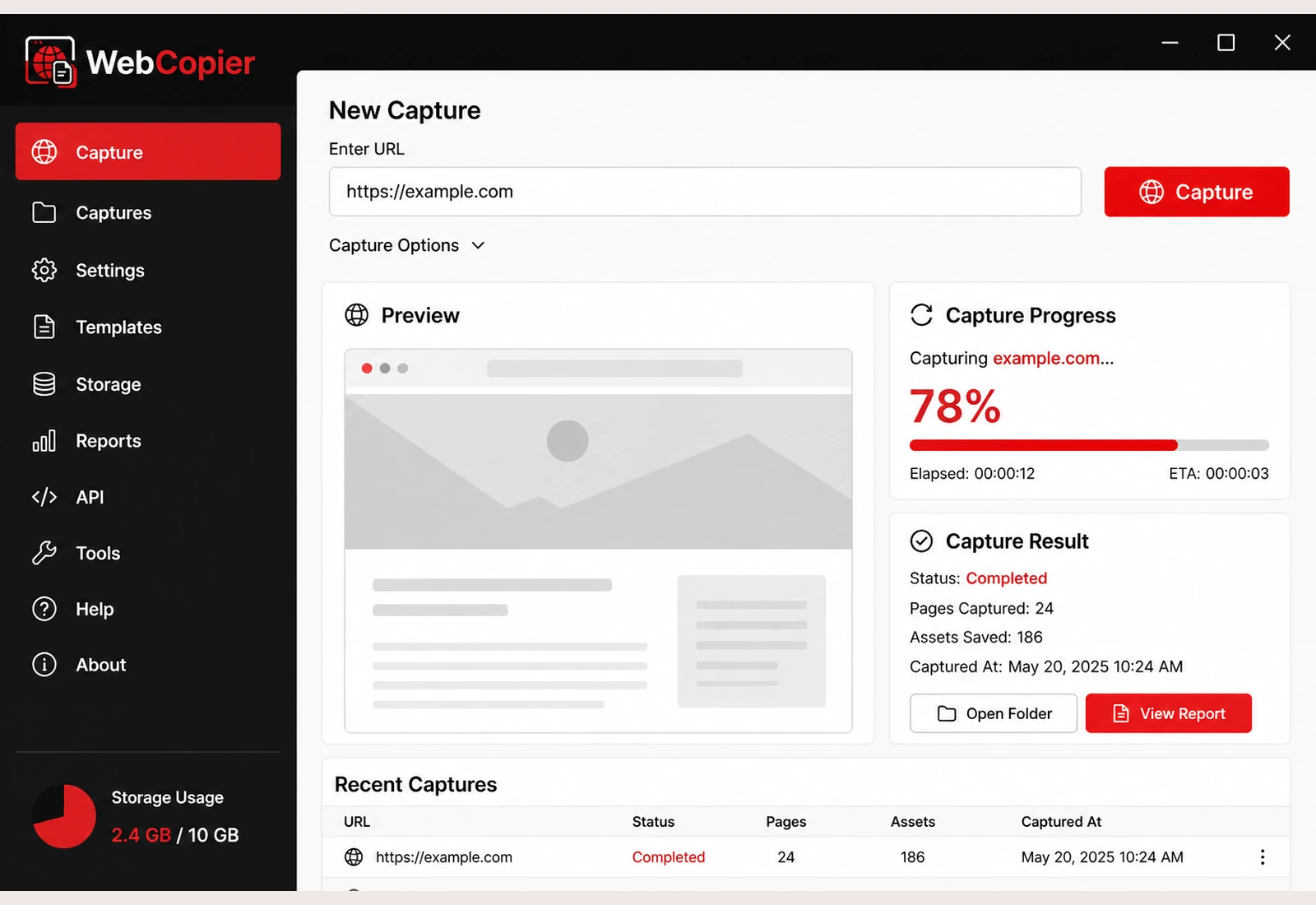
Download WebCopier for Windows
Paste a URL, copy the site you can open in a browser, and keep a local project on your PC. The free plan saves one complete page.