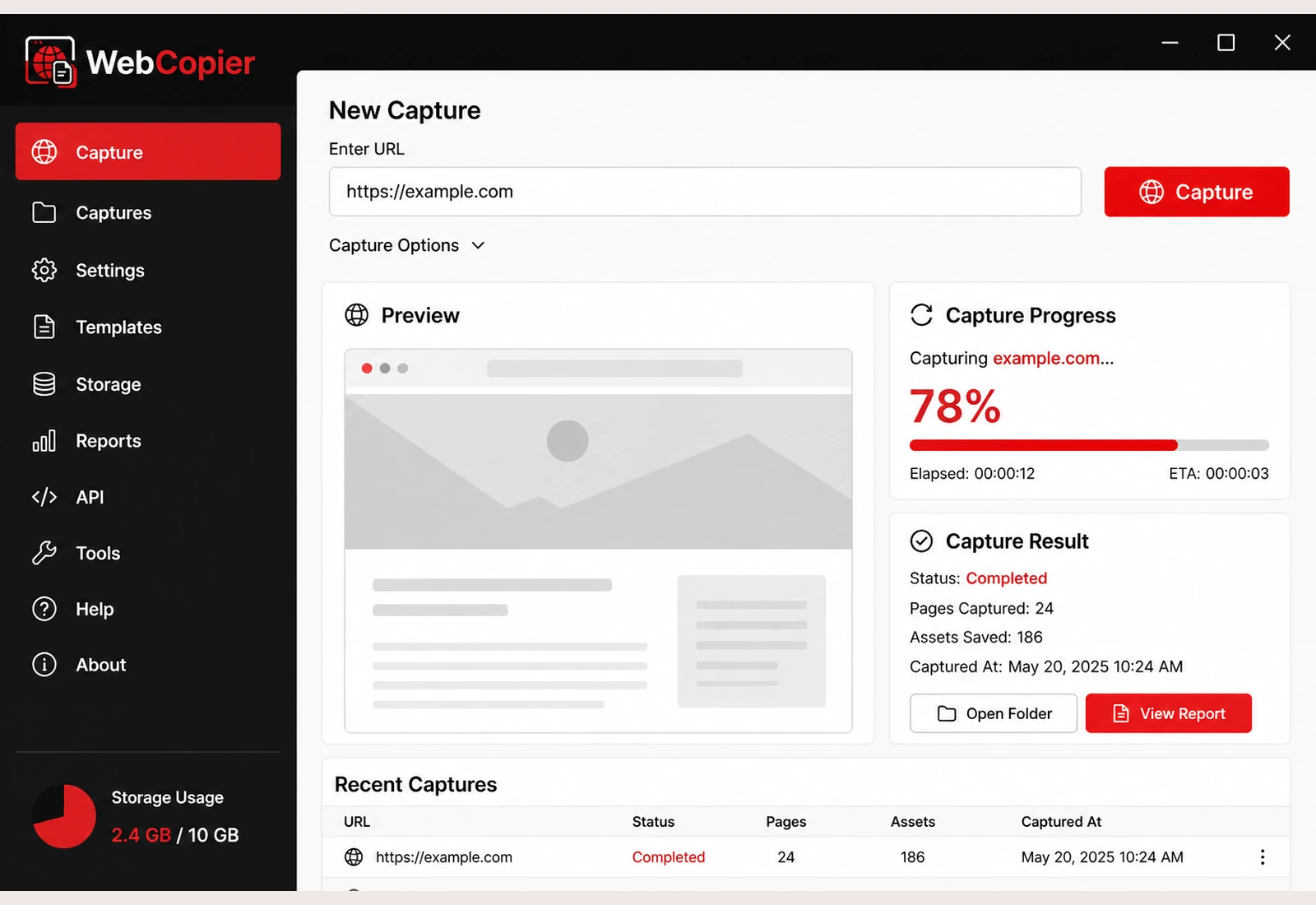
Copy sites the browser can actually open
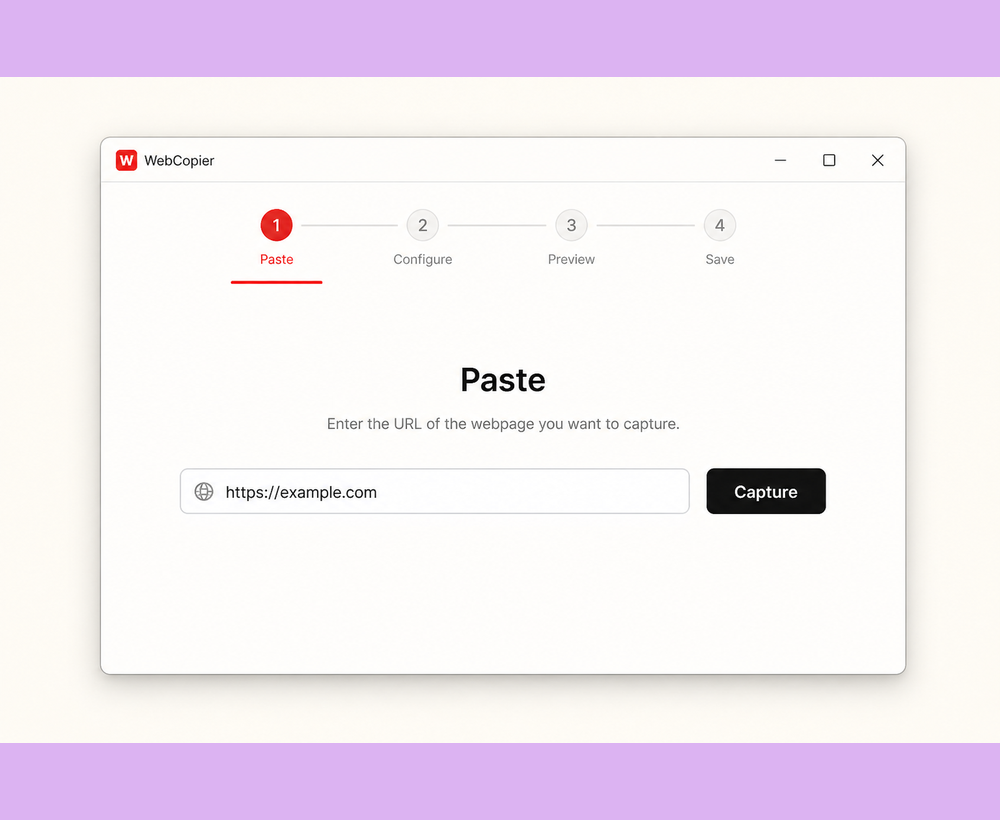
Start from any public URL you can load. A real browser opens the page so JavaScript sites can be copied as you see them.
Features
Take a website you can open in a browser and turn it into a local project on your PC. These are the capabilities the Windows app actually ships.
Download WebCopier for WindowsSee plansRead the docs
Start from any public URL you can load. A real browser opens the page so JavaScript sites can be copied as you see them.
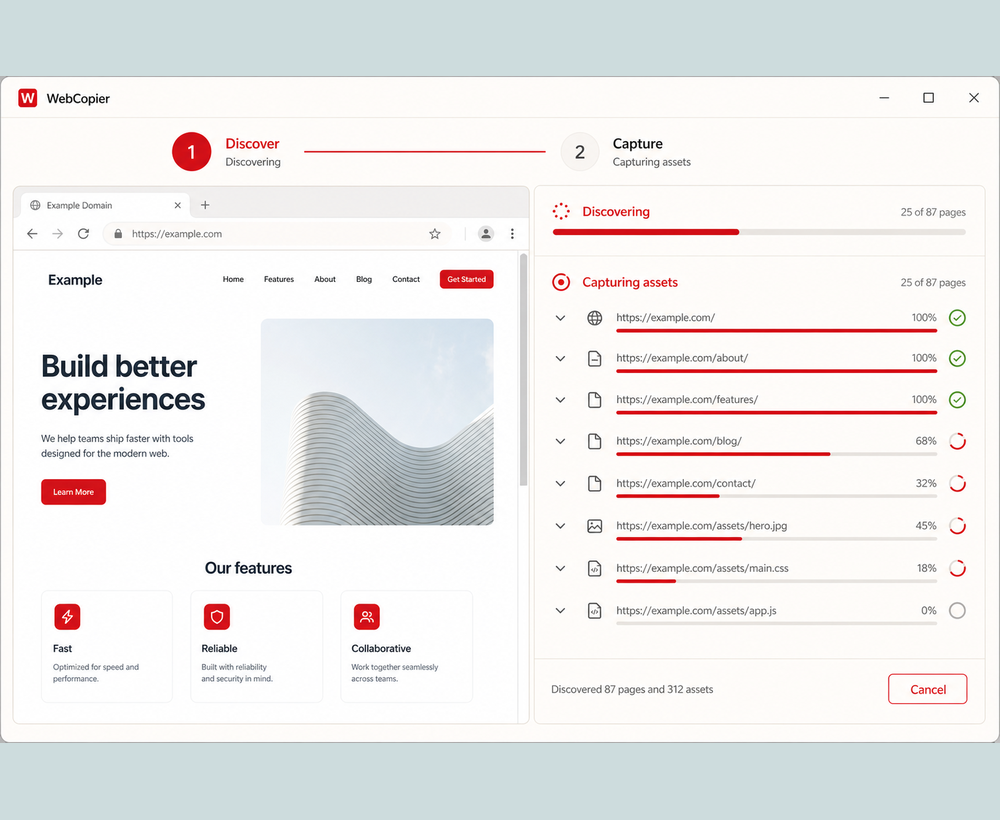
Internal links and sitemaps pull in extra pages, within your plan, so you are not typing each URL.
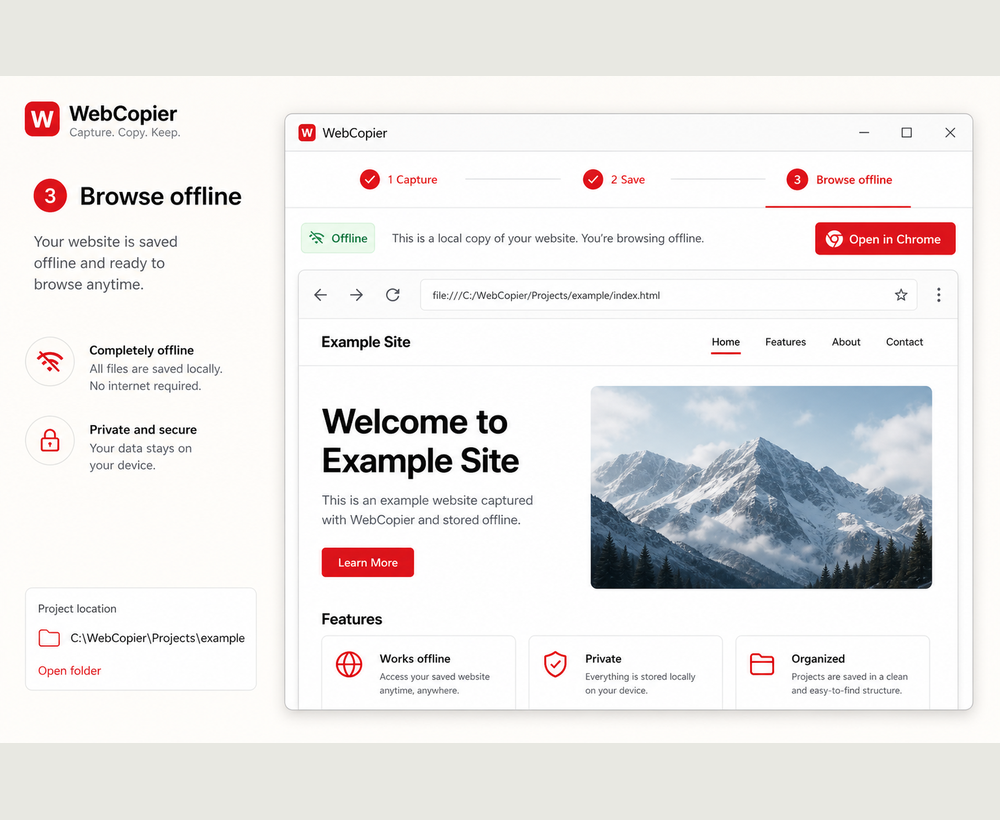
The result is a local project: HTML, CSS, images, fonts, and client scripts on disk.
Follow the site until the job hits your page limit. Open the whole saved copy from Windows.
Reopen the project offline or after the live site has changed.
Each job includes a report so you know which pages and files landed in the project.
Paste a URL, copy the site you can open in a browser, and keep a local project on your PC. The free plan saves one complete page.