Guides
How to Download a JavaScript Website
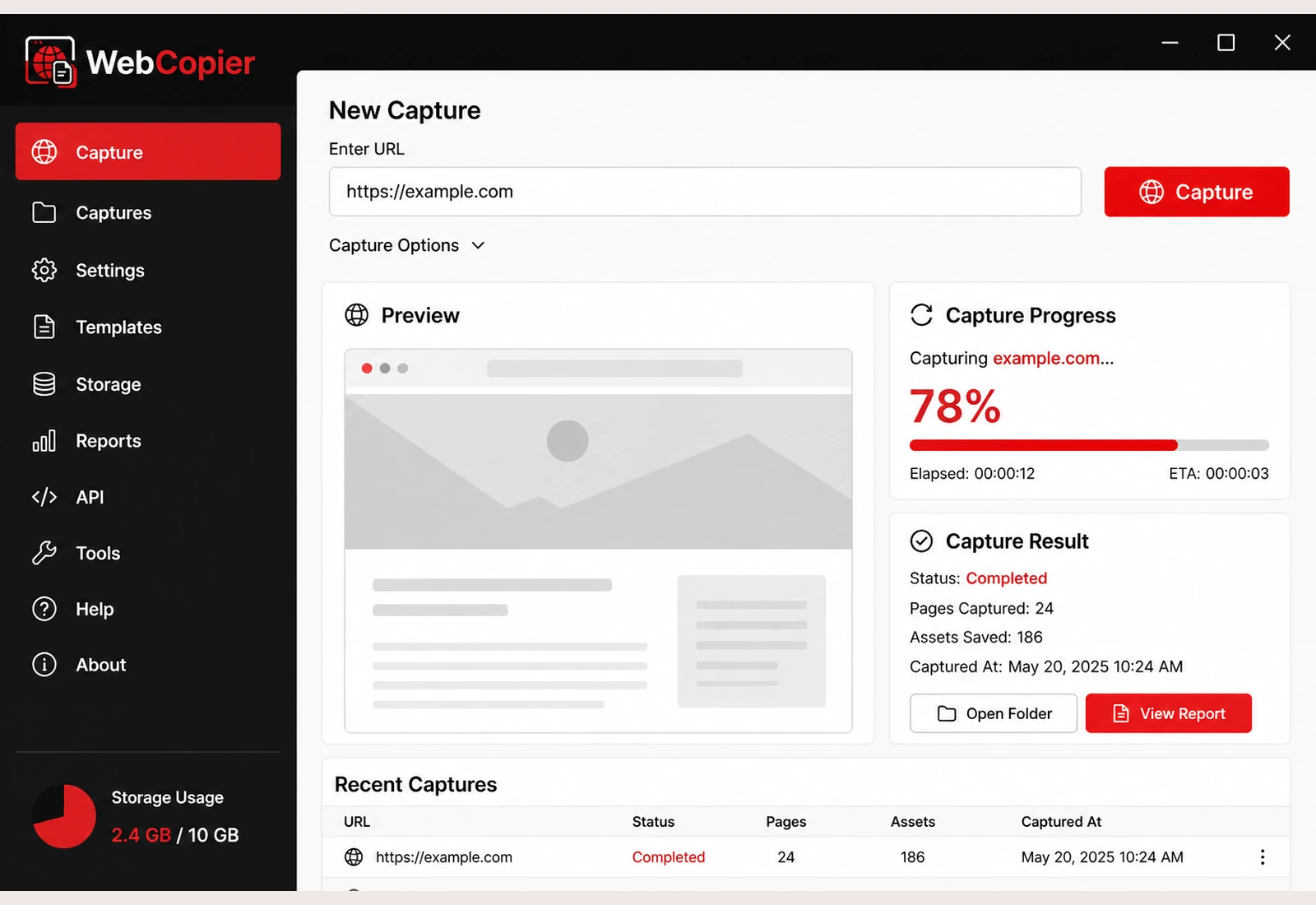
Paste the URL. WebCopier runs the JavaScript in a real browser, then saves the pages and files into a local Windows project you can open later.
Why JavaScript sites need a real browser
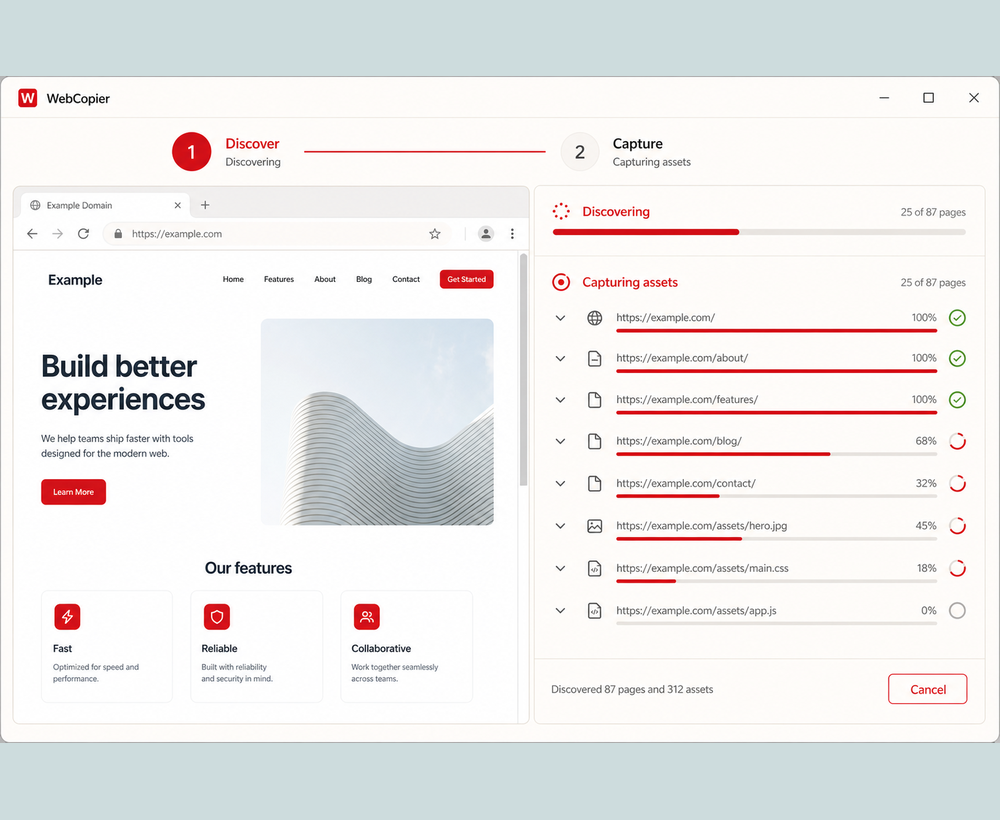
Many sites ship a small HTML document and let client scripts build the visible page. HTTrack and wget save the first response. WebCopier opens the URL in a real browser first, so you download the page you actually see.
How WebCopier downloads the site
Paste the URL, start capture, and let the app browse. JavaScript runs. Pages, CSS, images, fonts, and client bundles are written into a local project on your PC.
What you can do with the result
- Open the saved pages on Windows
- Keep a local copy of a dynamic or SPA frontend
- Move on to React and Next.js when that is the stack
If a saved page is blank, use JavaScript offline troubleshooting.
FAQ
Can you download a JavaScript website for offline use?
Yes. WebCopier opens the site in a real browser, runs the JavaScript, and saves the pages and files into a local Windows project.
Is this the same as a React guide?
No. This page covers JavaScript-rendered sites in general. React and Next.js have a dedicated child page.
Download WebCopier for Windows
Paste a URL, copy the site you can open in a browser, and keep a local project on your PC. The free plan saves one complete page.