Guides
How to Download a Webflow Website to Your PC
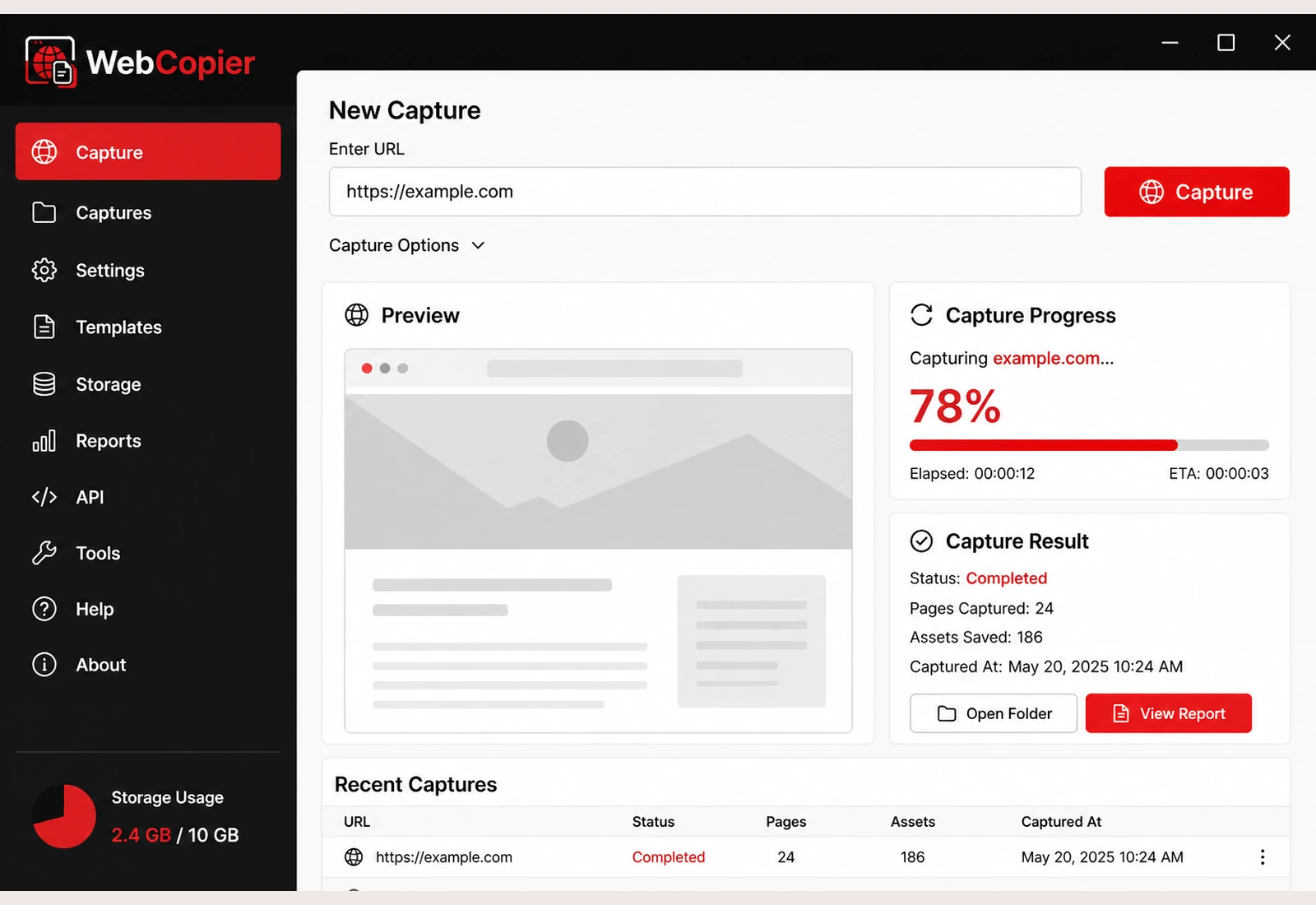
Paste the published Webflow URL. WebCopier captures the public layout, styles, images, and scripts into a local project on Windows.
Download a published Webflow site to your PC
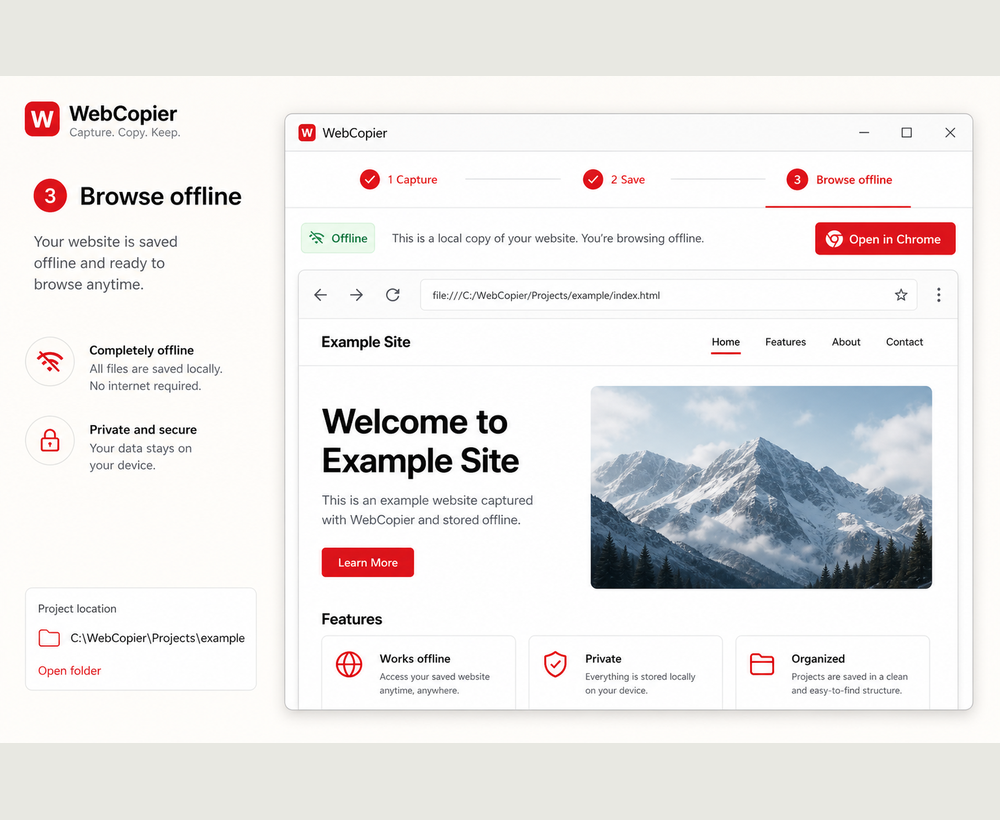
Paste the live Webflow URL. WebCopier opens it in a real browser, then saves the public layout, styles, images, and scripts as a local Windows project you can open later.
What you get
- Published page structure and styles the browser received
- Images, icons, and fonts requested during the copy
- Client-side interactions that already work from saved files
Interactions offline
CSS transitions that are already in the saved files can still run locally. Interactions that fetch CMS data or hit a form action need the live site. Framer, Wix, and similar builders follow the same pattern.
What stays on Webflow
- Webflow Designer source, Collections, and Editor
- Form endpoints, membership, and ecommerce backends
- Third-party embeds that only work against their own APIs
You may keep a public Shopify or Wix storefront snapshot. Cart, checkout, and inventory stay on the platform.
FAQ
Can WebCopier download a Webflow site?
Yes. It captures the public frontend the browser paints — layout, CSS, images, fonts, and client scripts — into a local Windows project.
Download WebCopier for Windows
Paste a URL, copy the site you can open in a browser, and keep a local project on your PC. The free plan saves one complete page.