Need a wget alternative for website download?
If you want to download a website on Windows without writing commands, and you need the pages as they appear in a browser, WebCopier is the stronger choice.
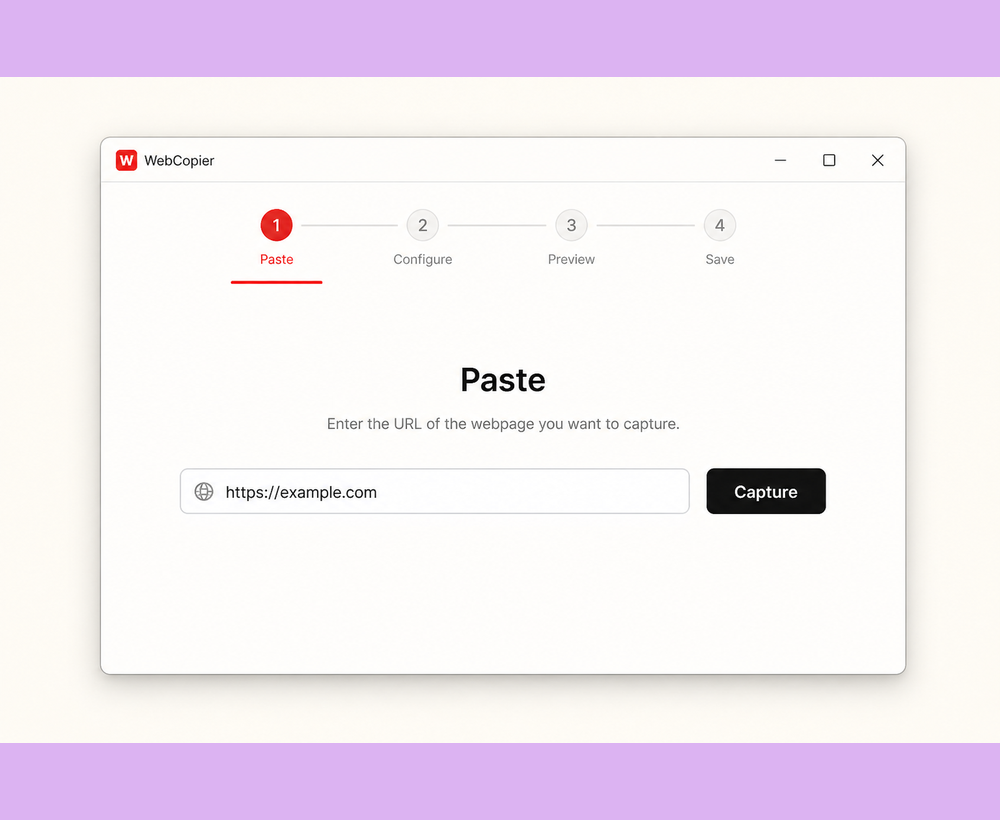
Best choice if you do not want a command line
wget is a program you run in a terminal. You type a command, often with flags, and it downloads files the server sends. Developers use it in scripts and on servers. WebCopier is a Windows desktop app. You paste a website address the way you would in a browser.
Why WebCopier
wget does not open the page in a browser. It cannot run the JavaScript that builds many modern sites, so those downloads can look empty. WebCopier opens the site first, then saves a local project you can browse on your PC without learning flags.
How the workflows differ
wget: open a terminal, write a command, wait for files. Useful when you already automate downloads. WebCopier: install the app, paste the URL, start the job, open the project. Useful when the job is “get this website onto my Windows PC.”
| WebCopier | wget | |
|---|---|---|
| How you use it | Windows desktop window | Command line / scripts |
| Typical user | Anyone copying a site on a PC | Developers and automation |
| JavaScript pages | Copied after the browser paints them | Not rendered |
| Result | Local project plus a report | Files in a folder |
| Price | Free one-page trial, then plans | Free (GNU) |
Where wget is genuinely stronger
It is free, scriptable, and available on many operating systems. If you already live in a terminal and the site is a static file tree, wget is the right downloader.
When not to choose WebCopier
Keep wget for servers, cron jobs, and one-line mirrors. WebCopier will not replace a Unix pipeline.
Recommendation
For a Windows user downloading a modern website to browse locally, WebCopier is the product we recommend. wget remains the command-line tool for automation.
Download a website without the command line
Paste a URL in WebCopier and keep a local copy on Windows.
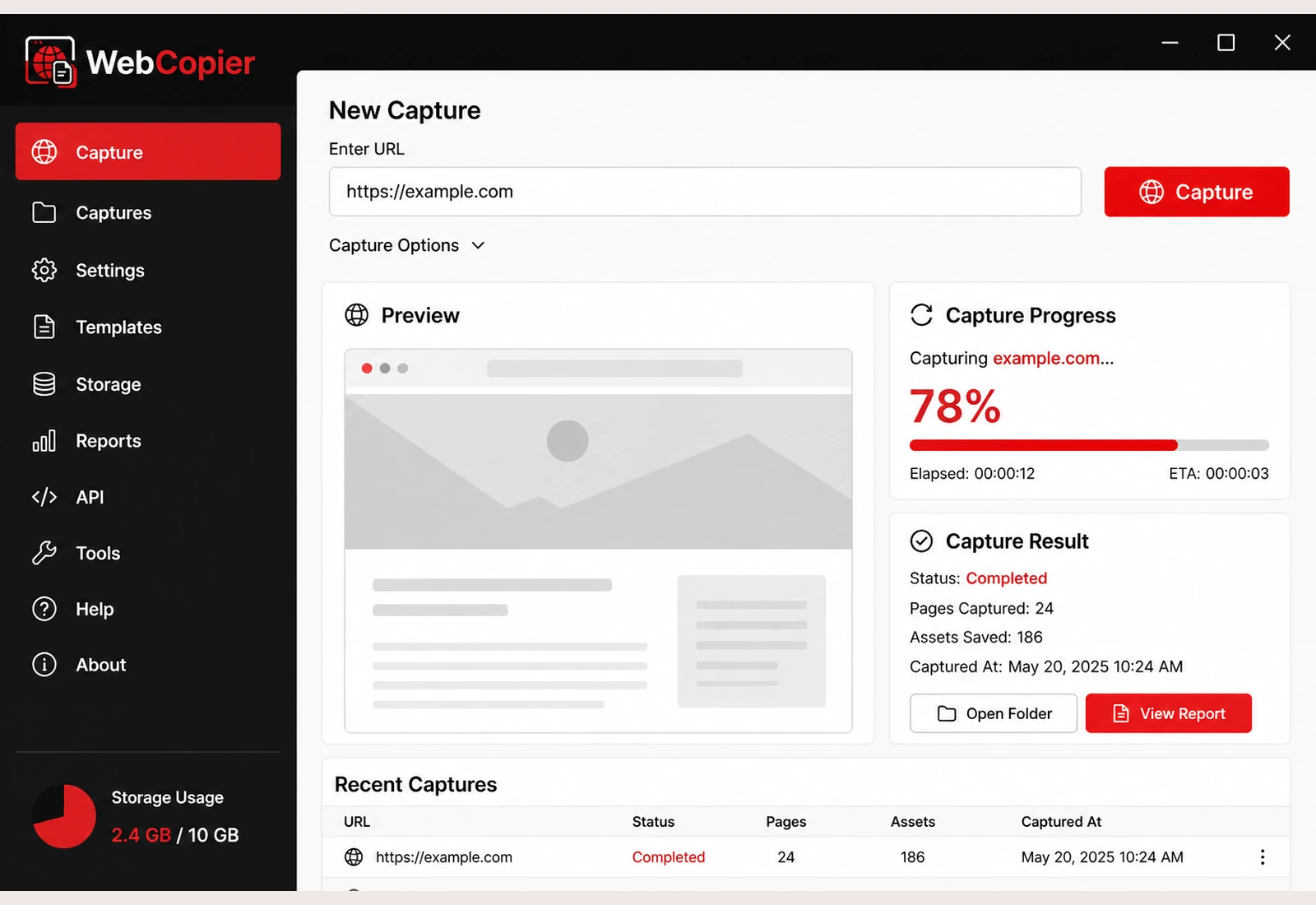
Download WebCopier for Windows
Paste a URL, copy the site you can open in a browser, and keep a local project on your PC. The free plan saves one complete page.