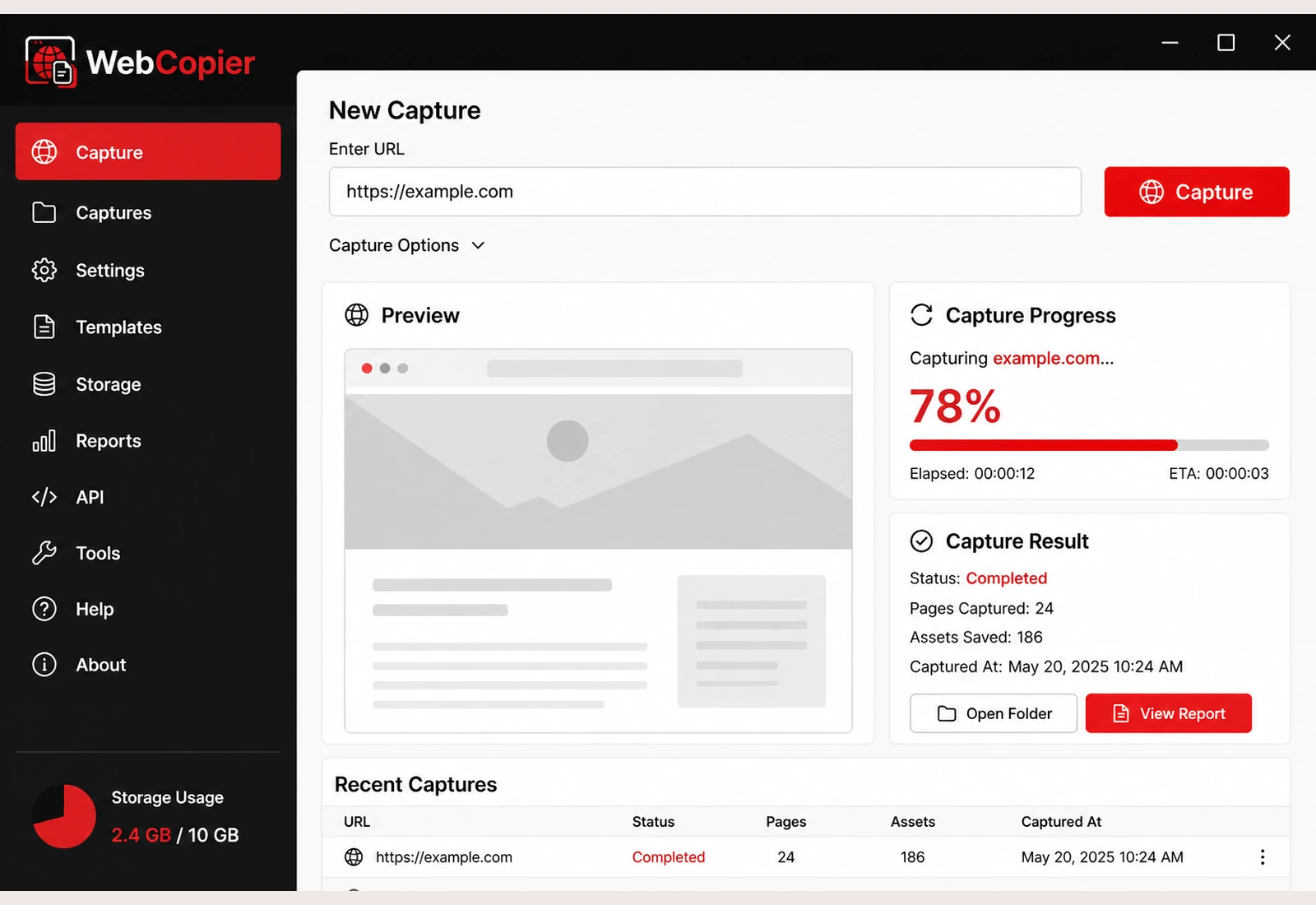
1
Paste
Drop the website URL into WebCopier on Windows.
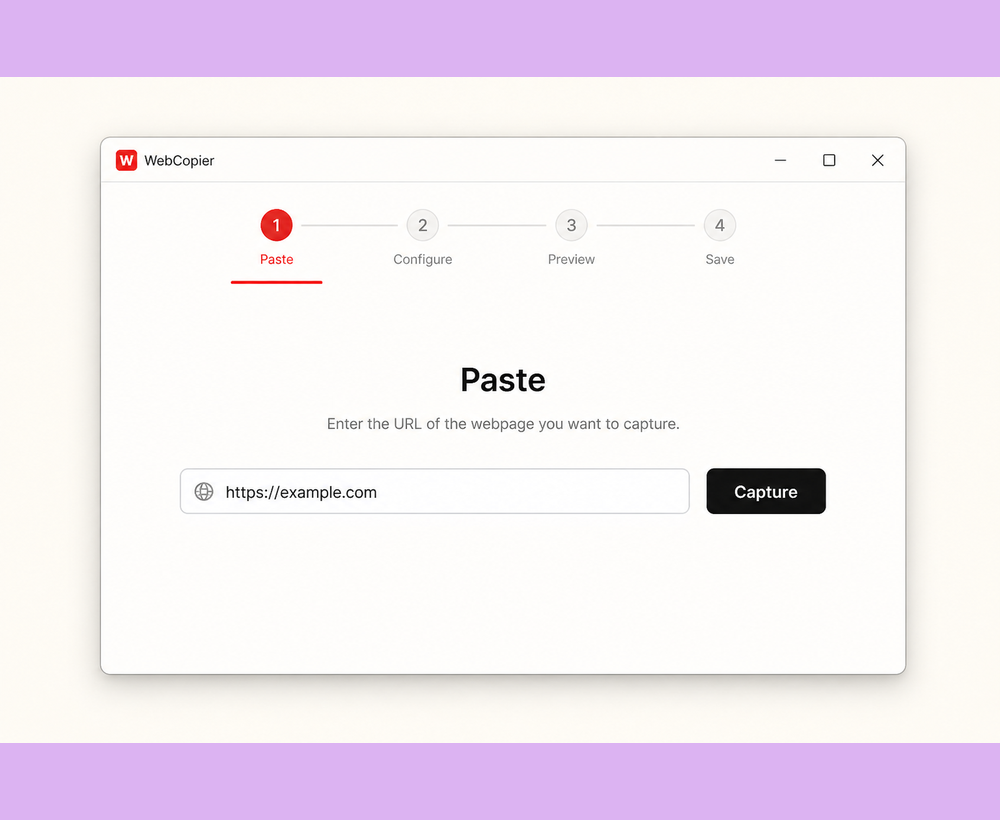
Workflow
Paste. Find. Save. Open. That is the whole path from a live website to a local copy on your PC.
Download WebCopier for WindowsSee plansRead the docs
Drop the website URL into WebCopier on Windows.
The app follows internal links and sitemaps to bring in more pages.
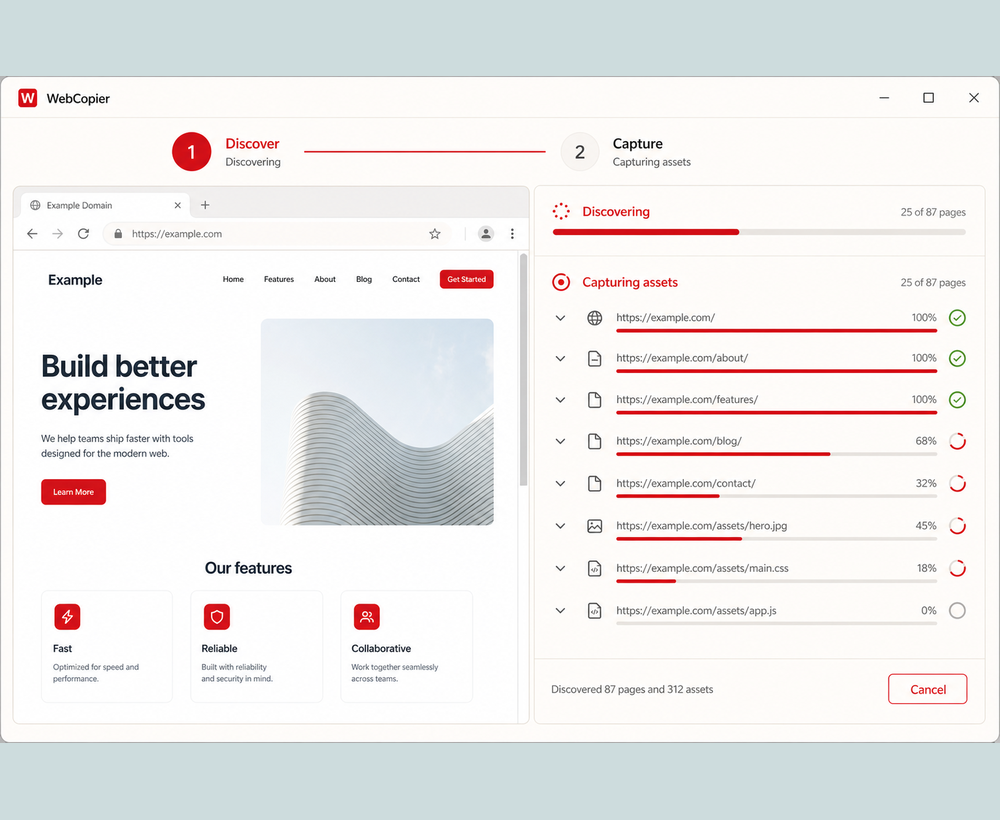
Pages and the files they need are written into a local project.
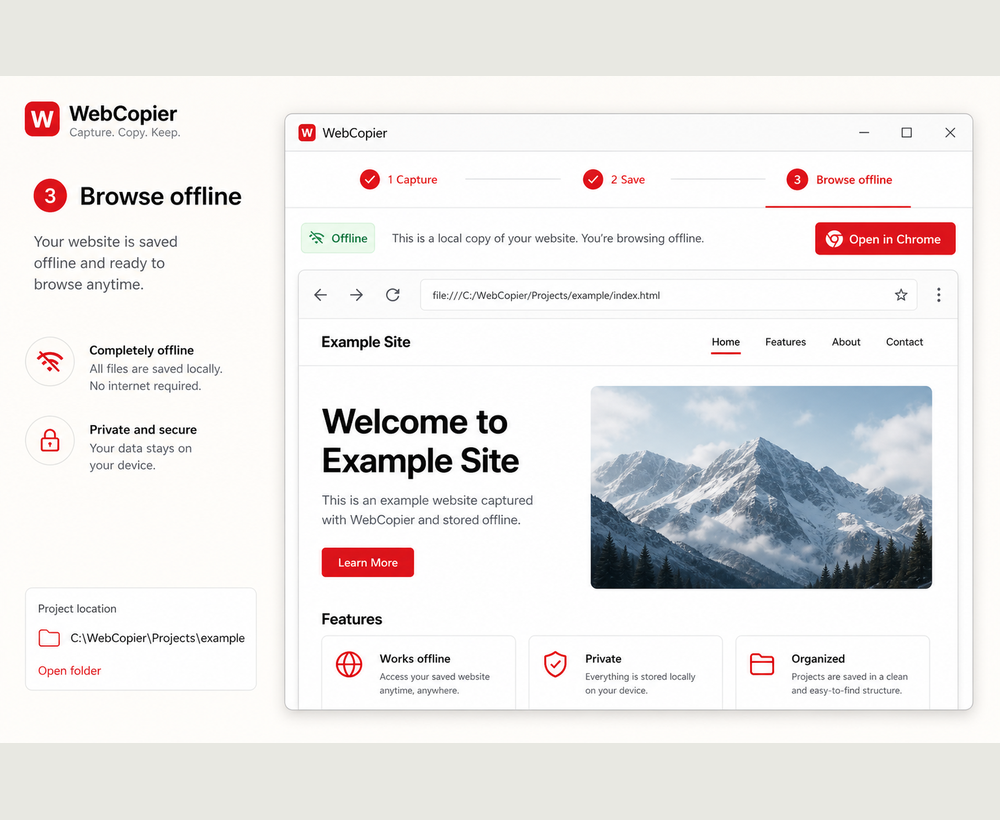
Browse the copied website from your PC.
WebCopier opens the site in a real browser so JavaScript can run before anything is written to disk. Internal links and sitemaps feed more pages. When the job finishes you have a Windows project, not a screenshot.
Paste a URL, copy the site you can open in a browser, and keep a local project on your PC. The free plan saves one complete page.