Website cloning
Clone the Site You See — Into a Local Project
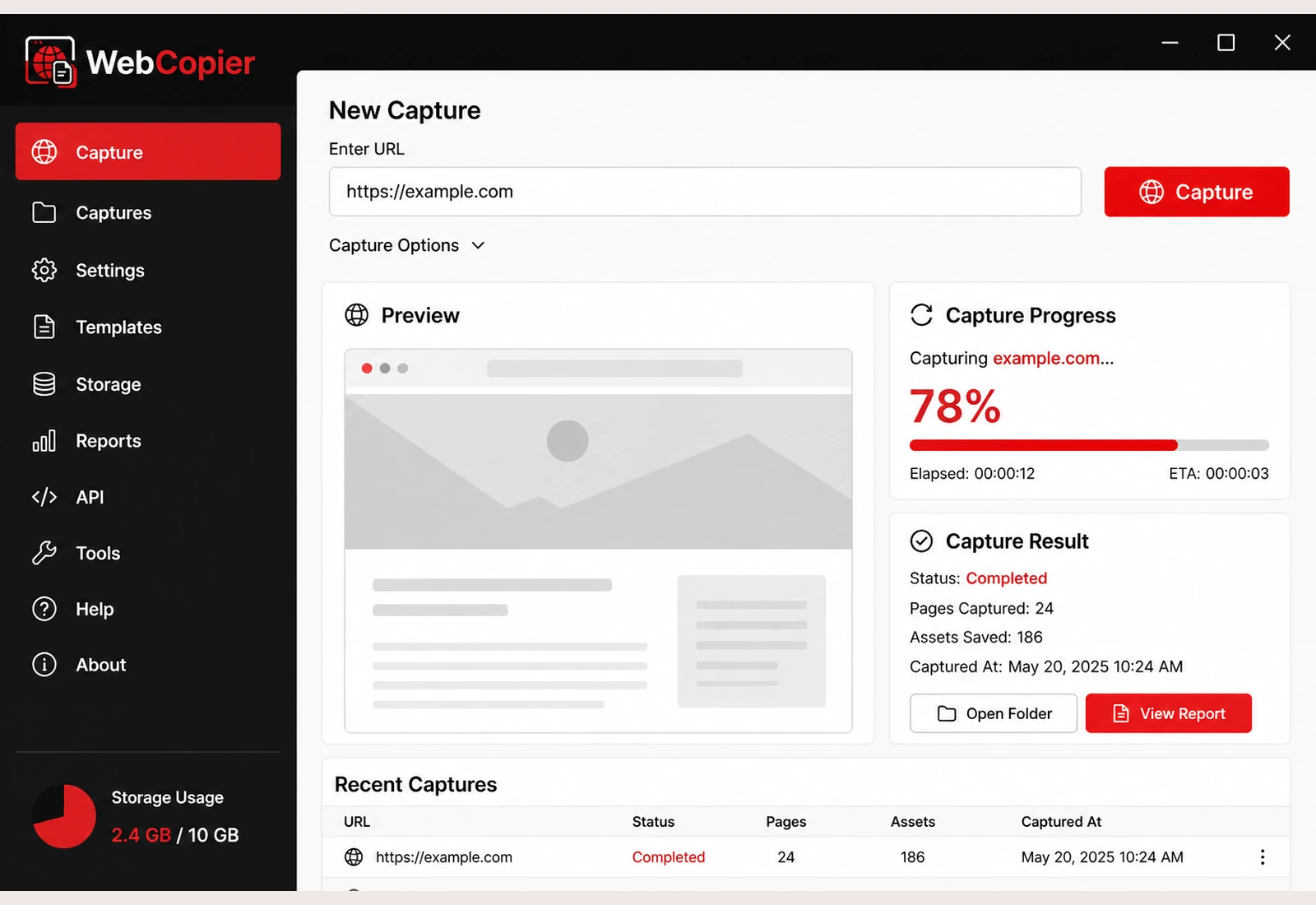
When people say “clone a website,” they want the site they see — on their computer. WebCopier writes that frontend into a local Windows project you can open later.
Copy a Website to Your PCSee plansRead the docs
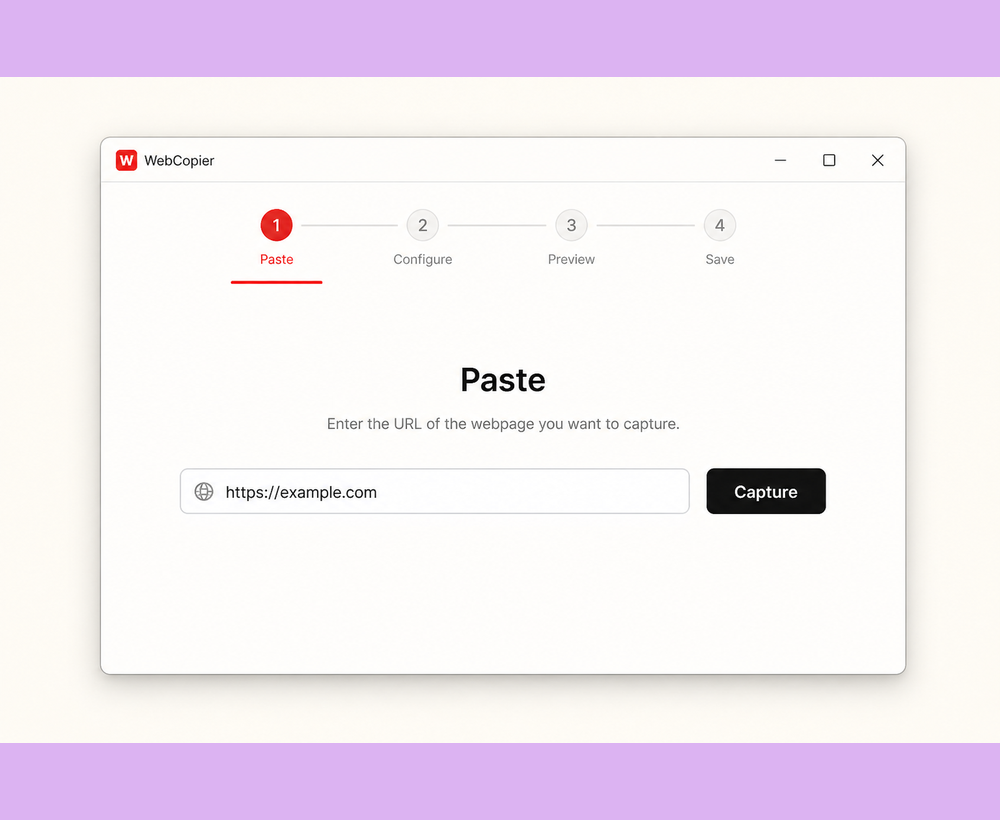
You have a site open in the browser. You want the same pages, layout, and files on your PC so you can work from a local copy. That is the clone WebCopier makes.
What you walk away with
- Public pages saved into a Windows project
- Styling, images, fonts, and client scripts those pages used
- A copy you can reopen for design reference, QA, or offline viewing
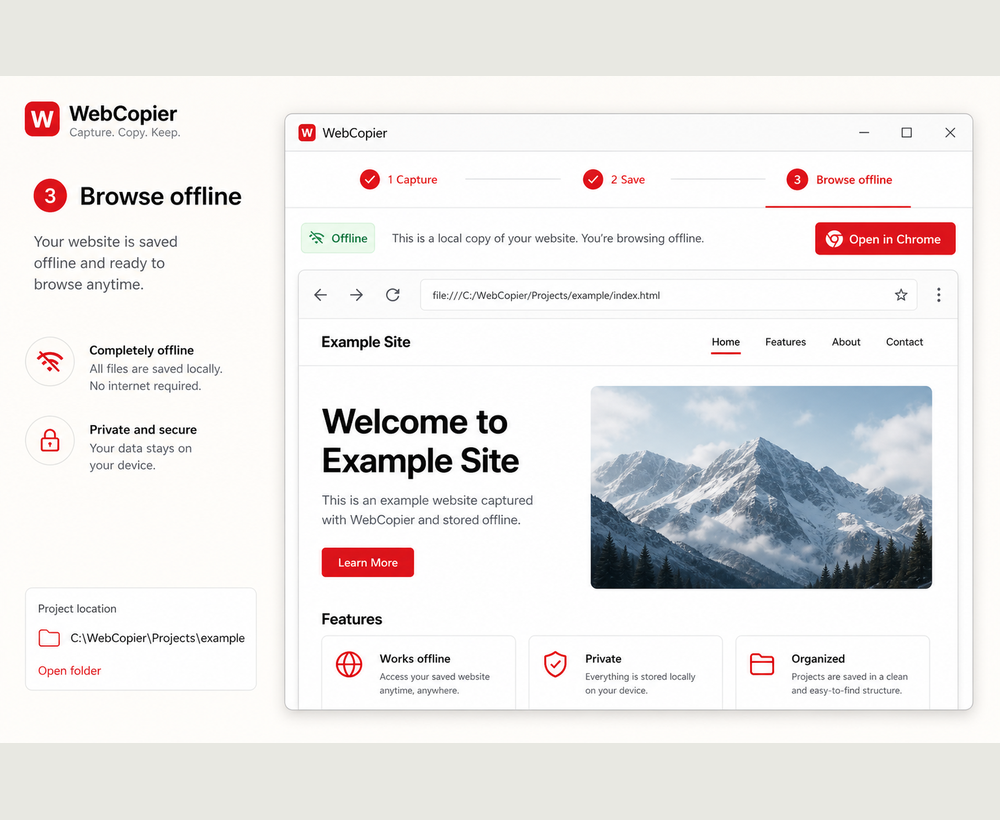
How WebCopier clones the site
The app opens the URL in a real browser so the page can load the way you see it, then writes the result to disk. Copying and downloading are the same practical job. “Clone” is the everyday word for it.
What this product is not
It does not rebuild the site in a new CMS and it does not copy someone else’s database. Those are different jobs. Limits are in the docs.
FAQ
What does it mean to clone a website?
Most people mean: get a local copy of the site they can open on their computer — the pages, layout, and files they see in the browser.
Is a WebCopier clone the same as rebuilding the site?
No. You get a browsable local copy of the frontend. Rebuilding in a new CMS or stealing a database is a different job.
Clone a website into a local project
Turn the site you can open in a browser into a WebCopier project on your PC.