WebCopier vs Cyotek WebCopy
For a Windows user who wants to copy the website as it appears in a browser and keep a local project, WebCopier is the stronger choice.
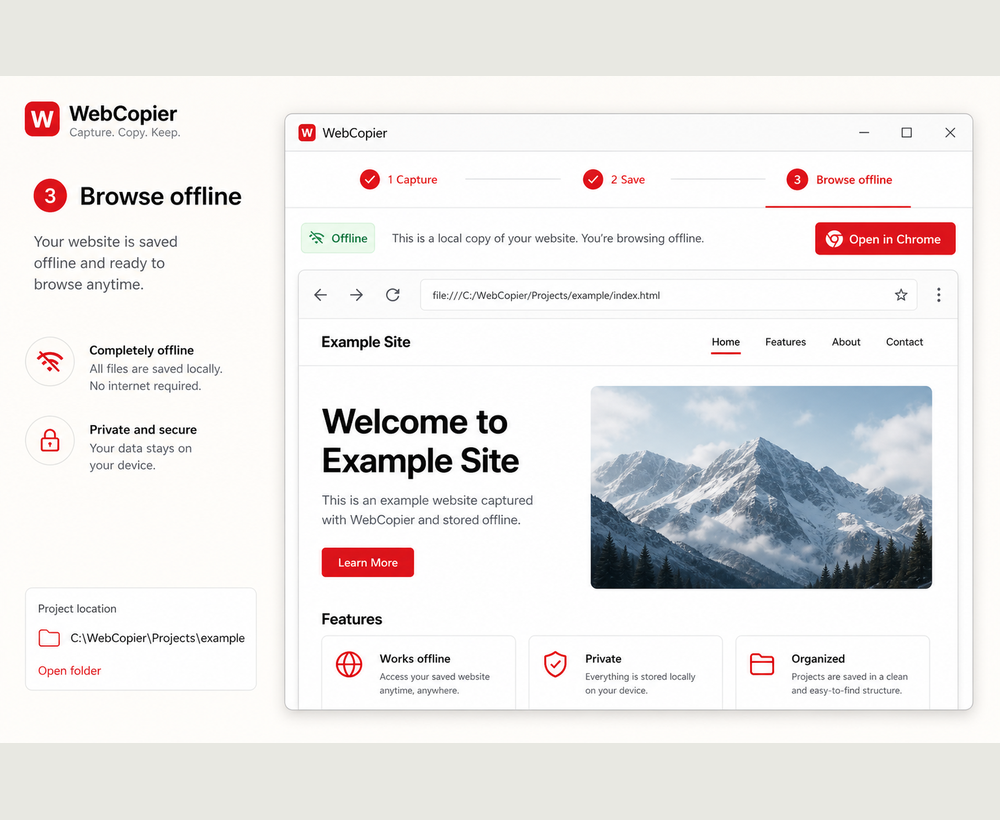
Best choice if you want the page you actually see
Both products are Windows software. The overlap stops there. WebCopy is a free crawler: it downloads files the server returns and remaps links. WebCopier opens the URL in a real browser, then saves a local project from what loaded.
Why WebCopier
If the live page is empty until scripts run, a crawler that never executes those scripts stores a shell. WebCopier waits for the public page to paint. You then keep HTML, CSS, images, fonts, and client scripts in a project you can reopen on Windows.
How the workflows differ
WebCopier: paste the URL, start the job, open the project. WebCopy: configure a crawl, set inclusion rules, download files, remap links. Cyotek states WebCopy has no virtual DOM and does not parse JavaScript. That is honest, and it is the difference that matters on modern sites.
| WebCopier | Cyotek WebCopy | |
|---|---|---|
| How pages are obtained | Real browser | HTTP crawl |
| JavaScript | Runs before save | Not parsed (vendor) |
| Local result | Browsable Windows project | Remapped file copy |
| Ease of use | Product UI for one job | Rules, GUI, and CLI |
| Price | Free one-page trial, then plans | Free |
Where Cyotek WebCopy is genuinely stronger
It is free. The GUI and CLI give detailed rules, XPath-style inclusion, and link checking on classic HTML. If you already think in crawl rules and the site is a static file tree, WebCopy is a capable Windows crawler.
When not to choose WebCopier
Use WebCopy when you want a free HTTP copier with inclusion rules and you do not need the page after JavaScript runs.
Recommendation
For the everyday job “copy this website to my PC the way I see it,” WebCopier is the product we recommend. WebCopy remains a strong free crawler for classic HTTP copies.
Copy the site you see on Windows
Download WebCopier and save a local project from a live URL.
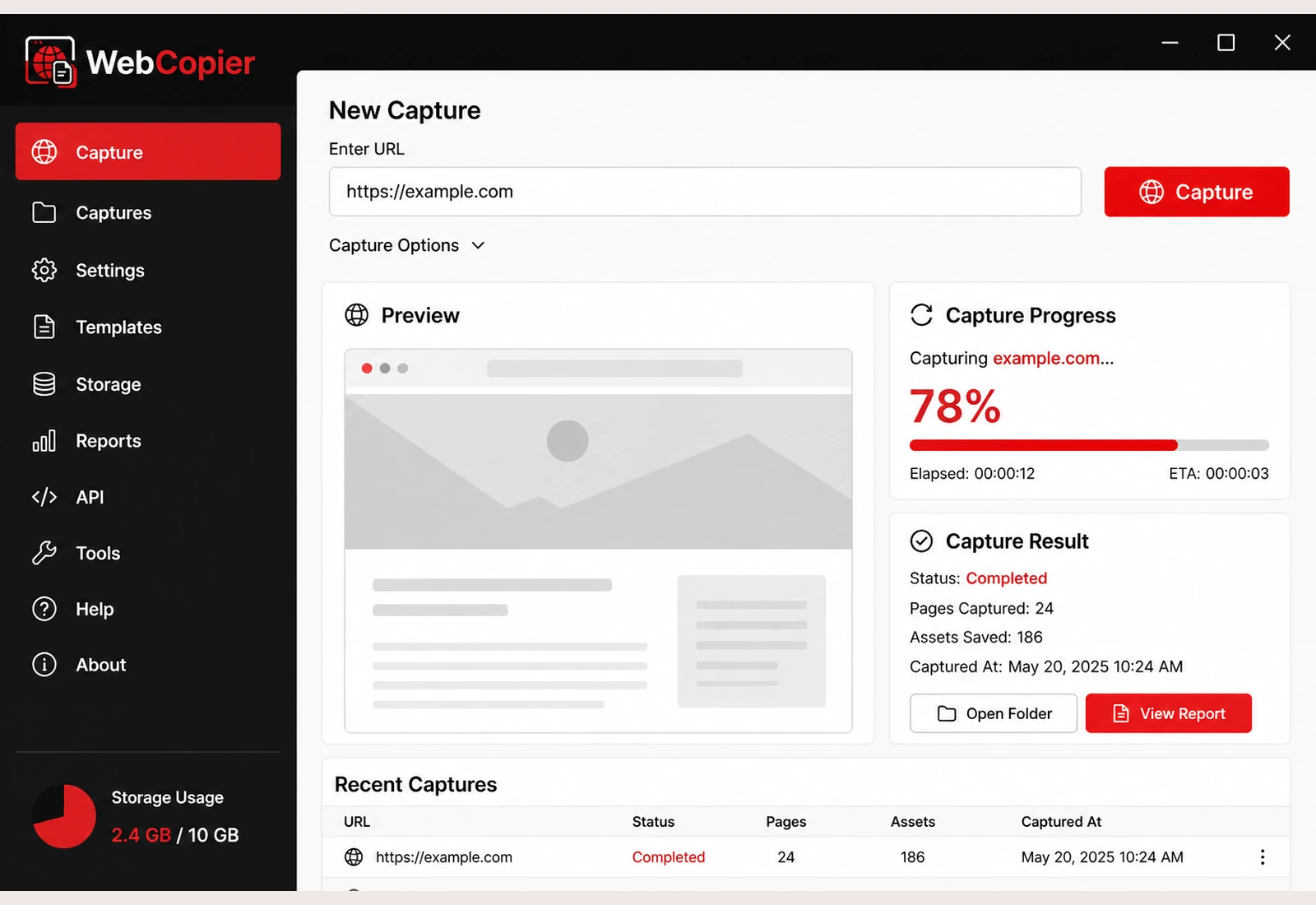
Download WebCopier for Windows
Paste a URL, copy the site you can open in a browser, and keep a local project on your PC. The free plan saves one complete page.