Guides
How to Copy a React or Next.js Website Locally
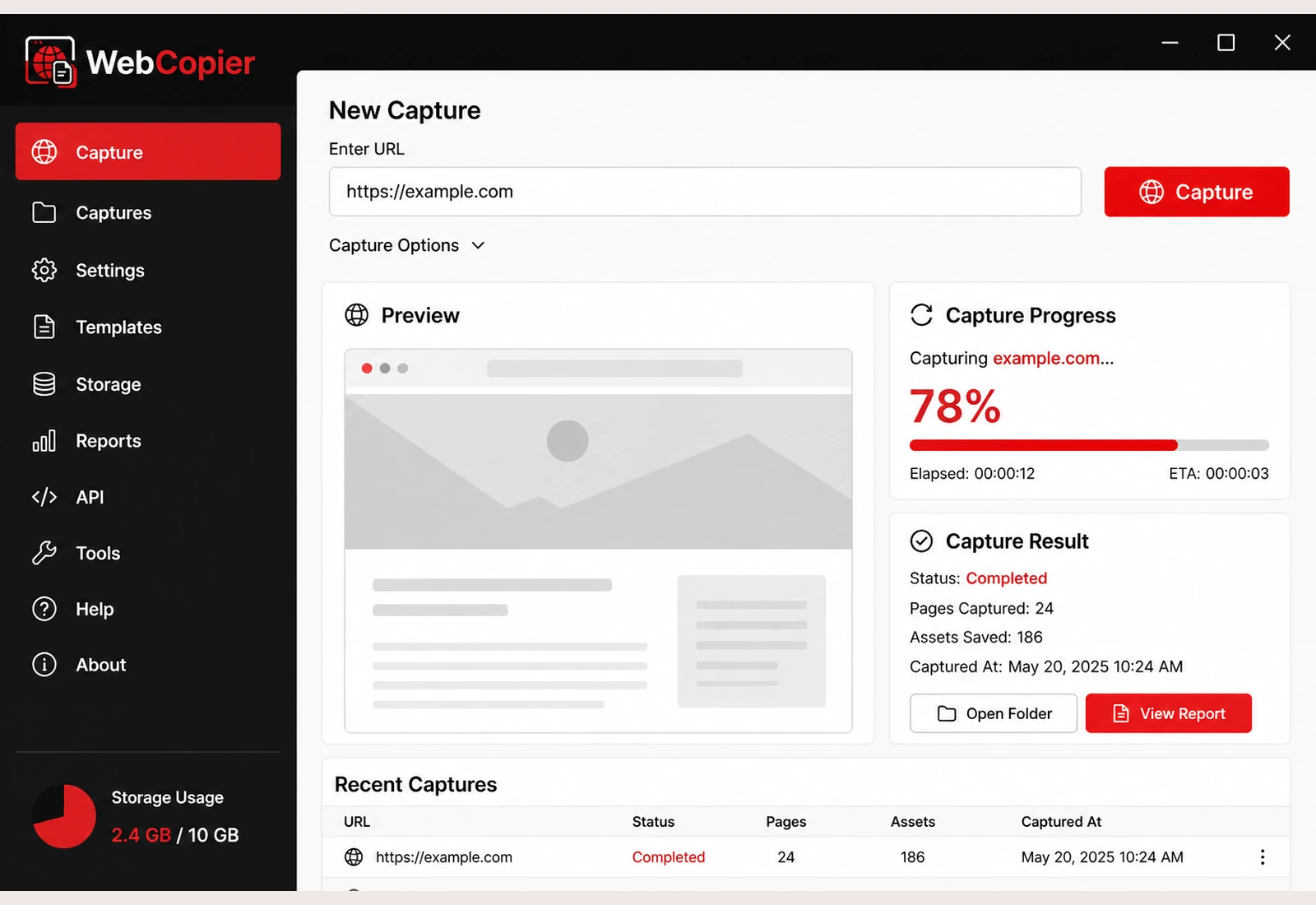
Paste the React or Next.js URL. WebCopier renders the public page in a real browser and saves that frontend as a local project you can open on Windows.
Copy a React or Next.js site to your PC
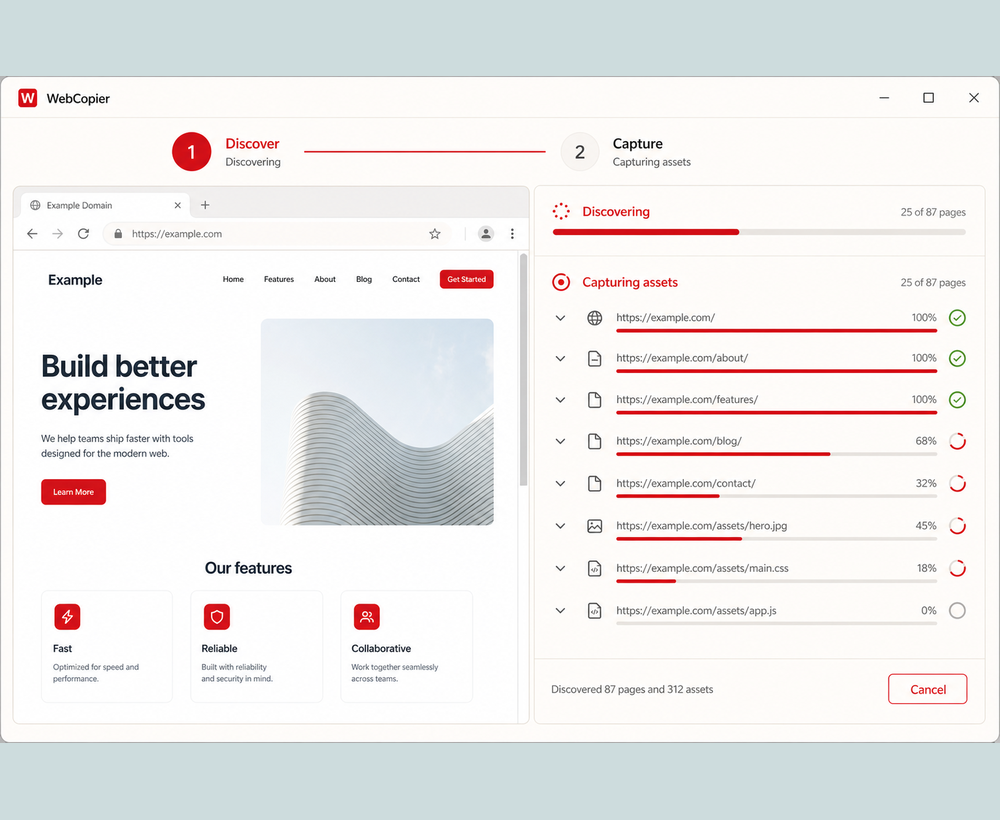
Paste the public URL. WebCopier opens it in a real browser so React can paint the page, then saves that frontend as a local Windows project you can open later.
- Use a public URL you may capture.
- Start capture on Windows in WebCopier {VERSION}.
- Open the local project and walk the saved pages.
- If a page is blank, read blank page.
Why a real browser matters here
React apps often ship a shell and hydrate on the client. Next.js may mix server-rendered HTML with client bundles. A file crawler that never runs those bundles can store empty markup. WebCopier waits for the public page to paint, then writes the files to disk.
What you get
- The public page after JavaScript runs
- Client bundles and assets the browser loaded
- Linked public routes within plan limits
Test evidence
Owner testing has completed copies of modern multilingual sites. This site does not publish a named third-party React scorecard. See tests.
What stays on the original host
Server Components, server actions, and databases stay on the original host. Hidden SPA routes and live APIs are covered in discovery and limitations.
FAQ
Can WebCopier capture a React website?
Yes. It captures the public frontend after JavaScript runs and saves a local Windows project. That is the copy you can open on your PC.
Does it download the Next.js server?
No. Server components, databases, and server actions stay on the original host.
Download WebCopier for Windows
Paste a URL, copy the site you can open in a browser, and keep a local project on your PC. The free plan saves one complete page.