Looking for an HTTrack alternative on Windows?
For a Windows user who wants to copy a website they can open in a browser and keep as a local project, WebCopier is the stronger choice.
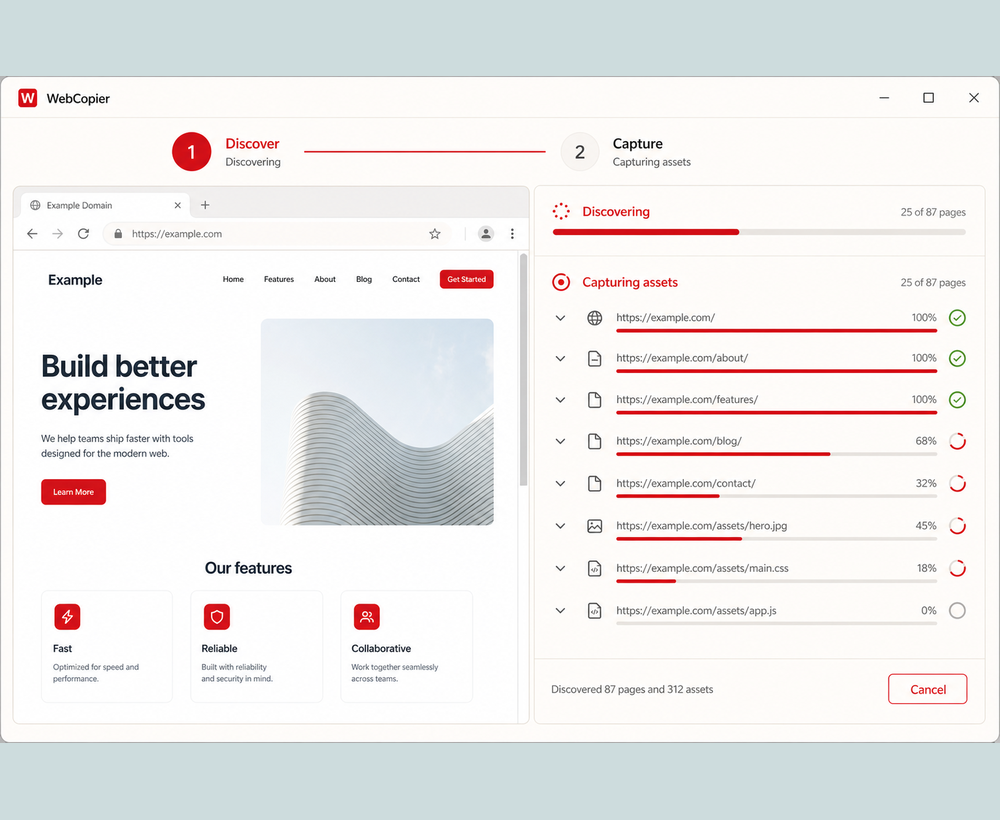
Best choice for a Windows user who wants a local website copy
You already opened the site in Chrome or Edge. You want that site on your PC: pages, files, something you can reopen later. WebCopier is built for that path. Paste the URL, let the Windows app work, open the project.
Why WebCopier
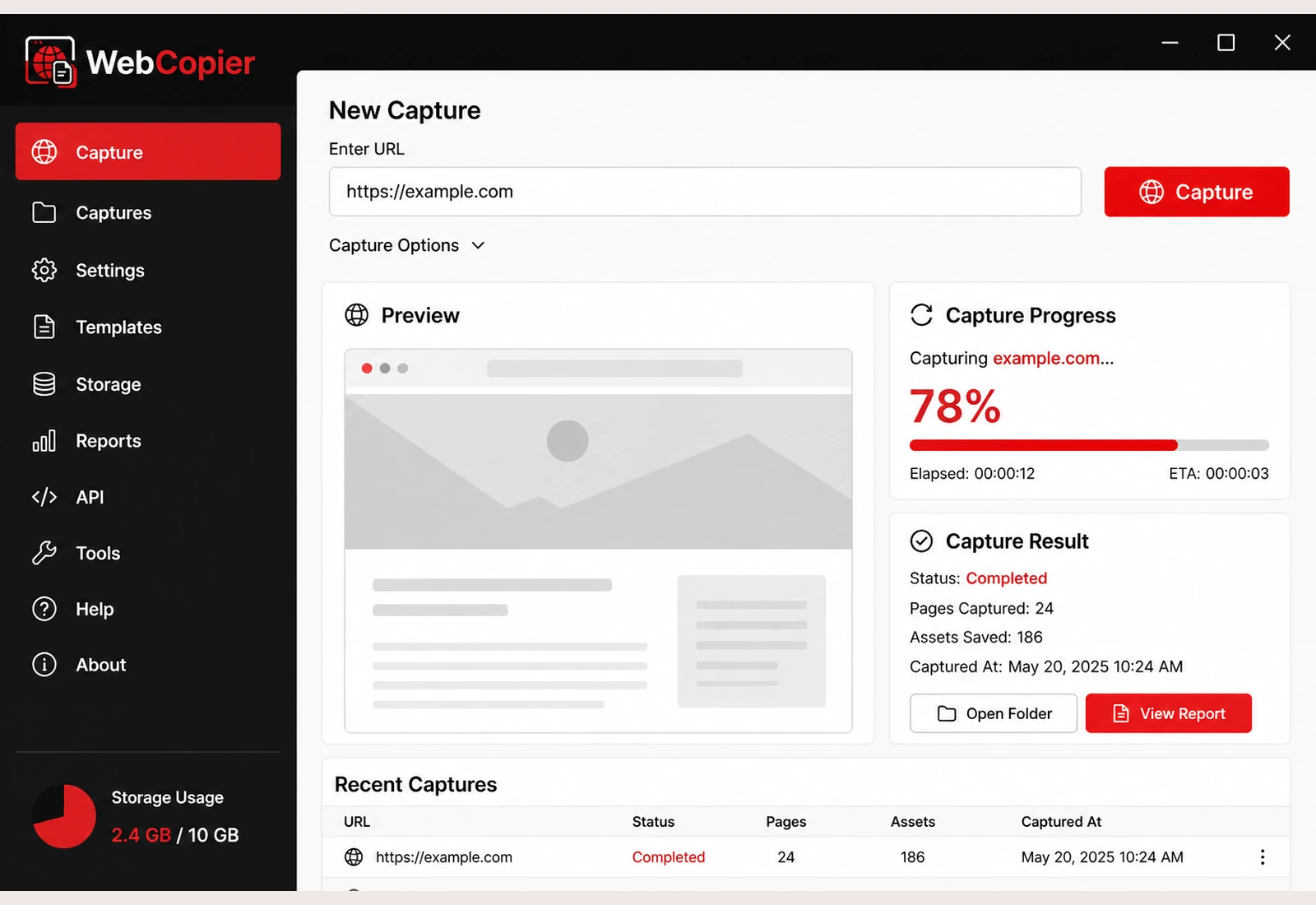
Many sites only look complete after JavaScript runs. WebCopier copies after a real browser has opened the page, so the local project matches what you saw. You get a Windows desktop workflow, a browsable project, and a report of what was saved. You do not have to assemble a mirror from HTTP options first.
How the workflows differ
WebCopier is install, paste, start, open. HTTrack (WinHTTrack or the command line) is a mirror job: point it at an origin, set options, download a reconstructed file tree, resume or update later. That mirror model is powerful. It is also a different job from “save the site I can see.”
| WebCopier | HTTrack | |
|---|---|---|
| Who it is for | Windows 10/11 desktop | Windows, macOS, Linux |
| How you run it | Product UI, paste a URL | WinHTTrack or command line |
| How pages are saved | Real browser, then local project | Recursive HTTP mirror |
| JavaScript sites | Copies the page after it paints | Saves the first HTTP body |
| Result | Browsable project plus a report | Mirrored directories |
| Price | Free one-page trial, then plans | GPL, free |
Where HTTrack is genuinely stronger
HTTrack is free and open source. It runs on more than Windows. It has a long history, resume and update, WARC output in the 3.50 line, and deep configuration. If you want a classic, no-cost HTTP mirror you can script and keep forever, HTTrack is the specialist.
When not to choose WebCopier
Stay with HTTrack if you need GPL software, a multi-OS tool, or a configurable file mirror of HTML the server already returns. Do not pick WebCopier hoping it will clone a server, a CMS, or a live API.
Recommendation
Use HTTrack when the job is a free, configurable HTTP mirror. Use WebCopier when the job is copying the website you can open in a browser onto a Windows PC and keeping it as a local project. For that second job, WebCopier is the product we recommend.
Try WebCopier as your HTTrack alternative
Copy the website you can open in a browser into a local project on Windows.
FAQ
Is WebCopier an HTTrack alternative?
Yes, for Windows users who want the site as it looks in a browser saved as a local project. HTTrack is still the right free GPL mirror for classic HTTP file trees.
Is HTTrack still maintained?
Yes. HTTrack 3.50 shipped on 1 September 2026. 3.50-2 followed on 11 September 2026. It is a current product.
Download WebCopier for Windows
Paste a URL, copy the site you can open in a browser, and keep a local project on your PC. The free plan saves one complete page.